What actions can I do with my Tasks?
- Change Task Date
- Mark as Done
- Delete
How to change a Task’s date?
- Open the Tasks page and find the task.
- Click the task’s due date to open the date picker.
- Select the new date and save.
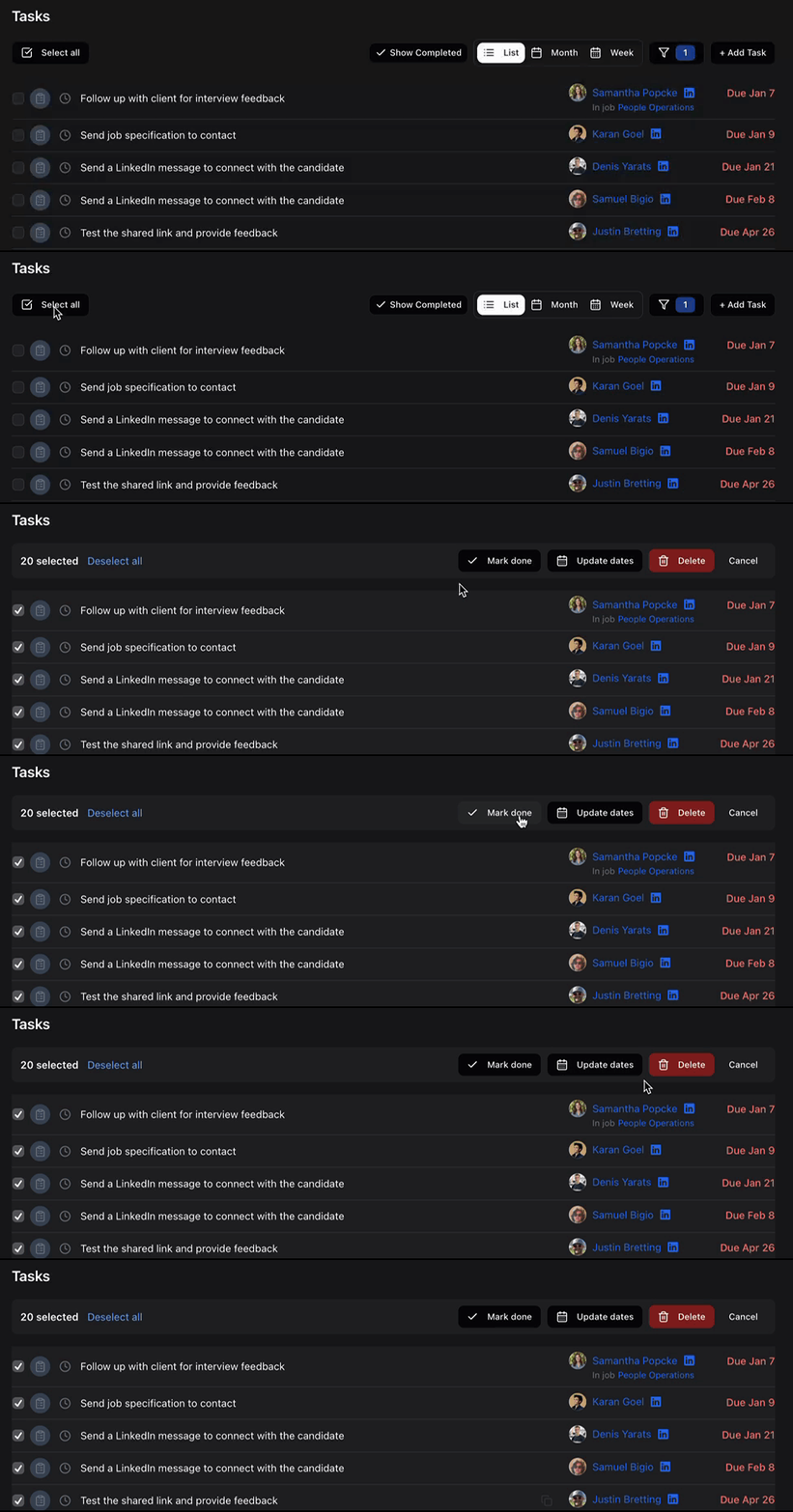
How can I manage my Tasks in bulk?
- Click the ‘Select all’ button on the top left above the Task list.
- Uncheck the Tasks you do not want to edit so that only the Tasks you want to manage in bulk are selected.
- Use the bulk options on the top right above the Task list.