Stop the panel from opening on every LinkedIn page
By default, Stardex opens on LinkedIn. You can turn that off in the extension, not in Stardex Settings. Find the gear on the extension, and turn off the setting. This is per user.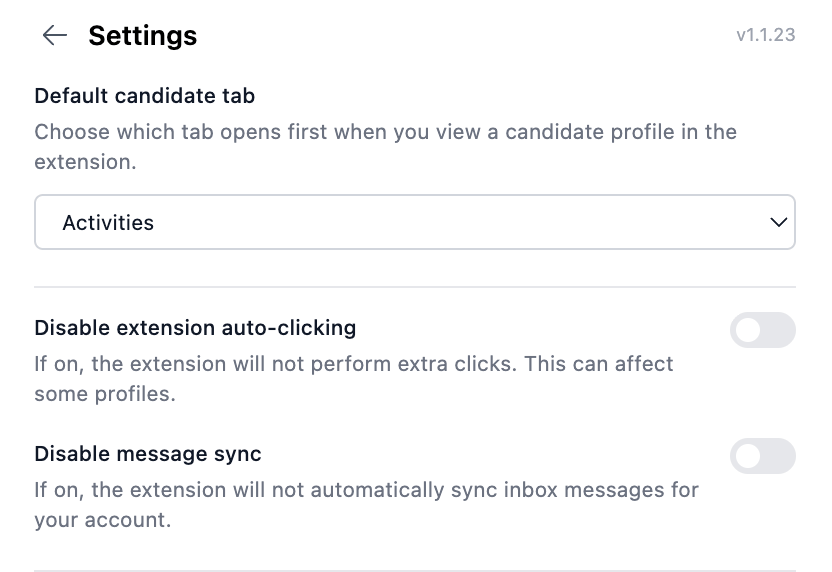
Install the extension from Stardex
You can also install (or confirm install) from Settings → My Settings → Browser Extension: stardex.com/settings?tab=my-settings§ion=browser-extension If it is already detected, you will see Extension installed. Otherwise there is an install button to the Chrome Web Store.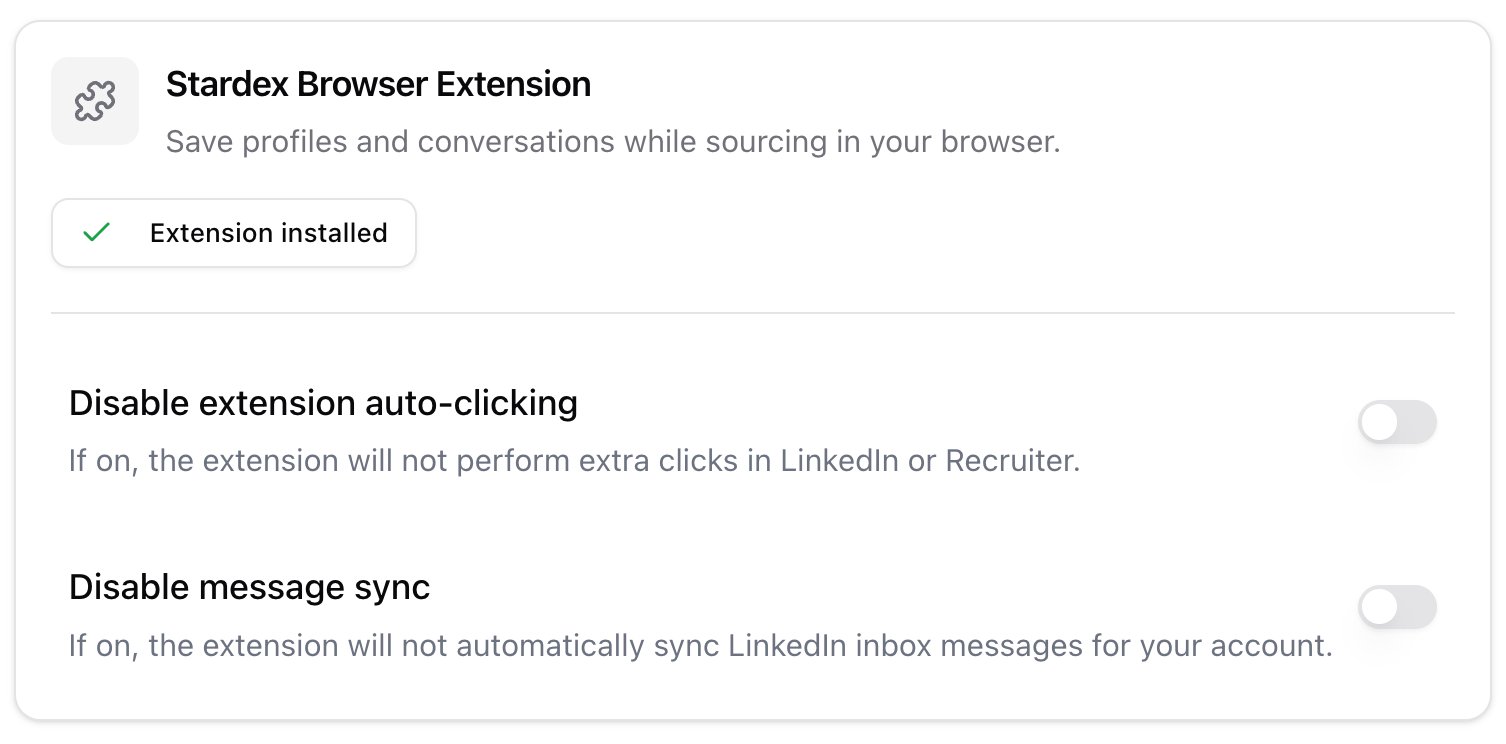
Disable auto-clicking
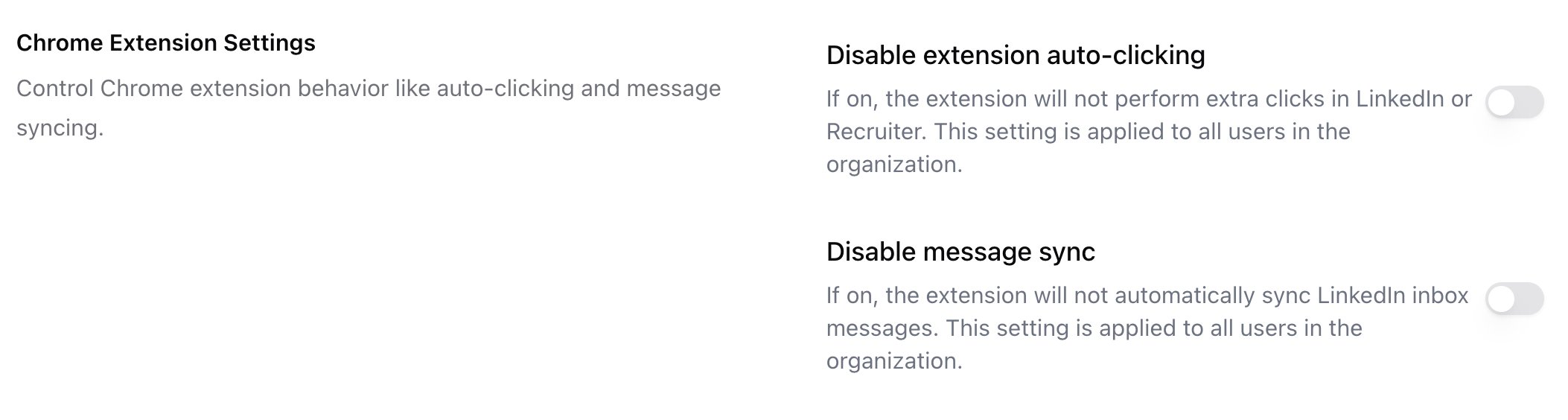
If you do not want Stardex to click through a LinkedIn profile to capture more than the top of the page, turn on Disable extension auto-clicking. This lives in Settings → My Settings → Browser Extension. If the toggle is locked, an admin has turned auto-clicking off for the whole workspace under Settings → Organization → Compliance → Chrome Extension Settings: stardex.com/settings?tab=organization§ion=compliance