This currently requires a personal Google account. It won’t work on your Google work account
  1. Goto https://gemini.google.com/u/1/apps and click Custom APps
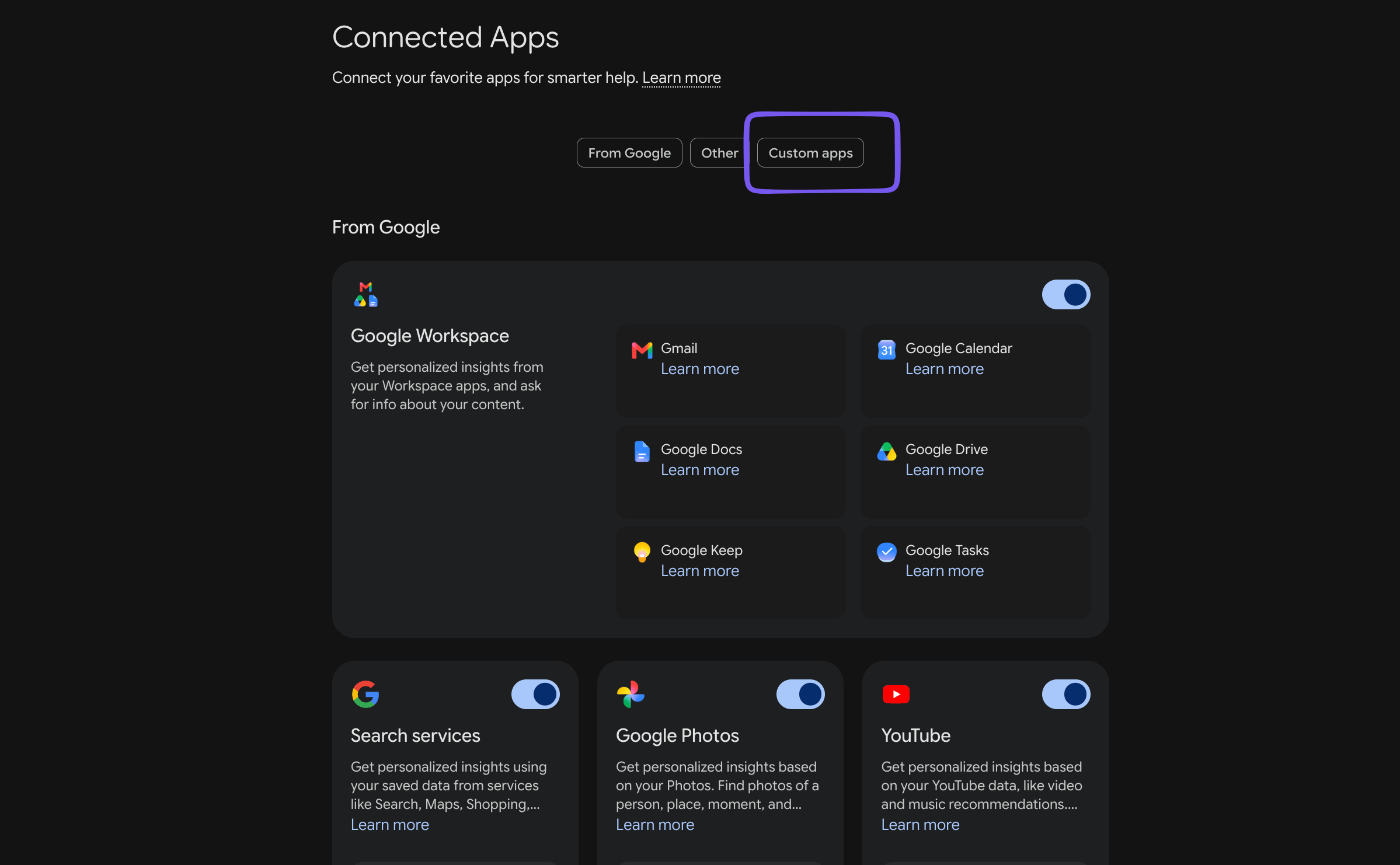
Gemini Google Connector — screenshot 1
  1. Scroll to Custom Apps and enter the url - https://stardex.com/mcp
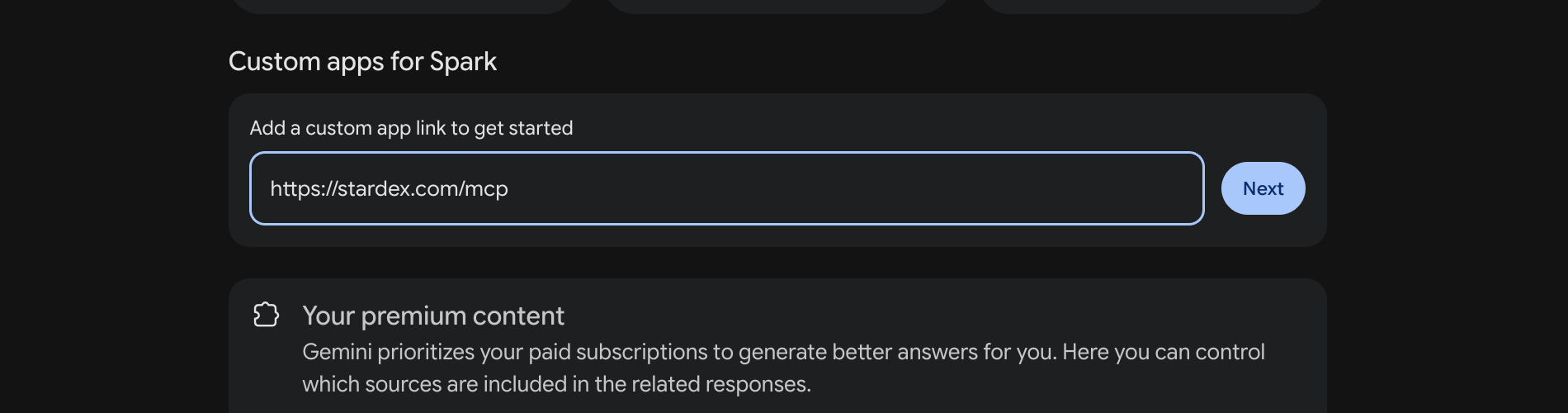
Gemini Google Connector — screenshot 2
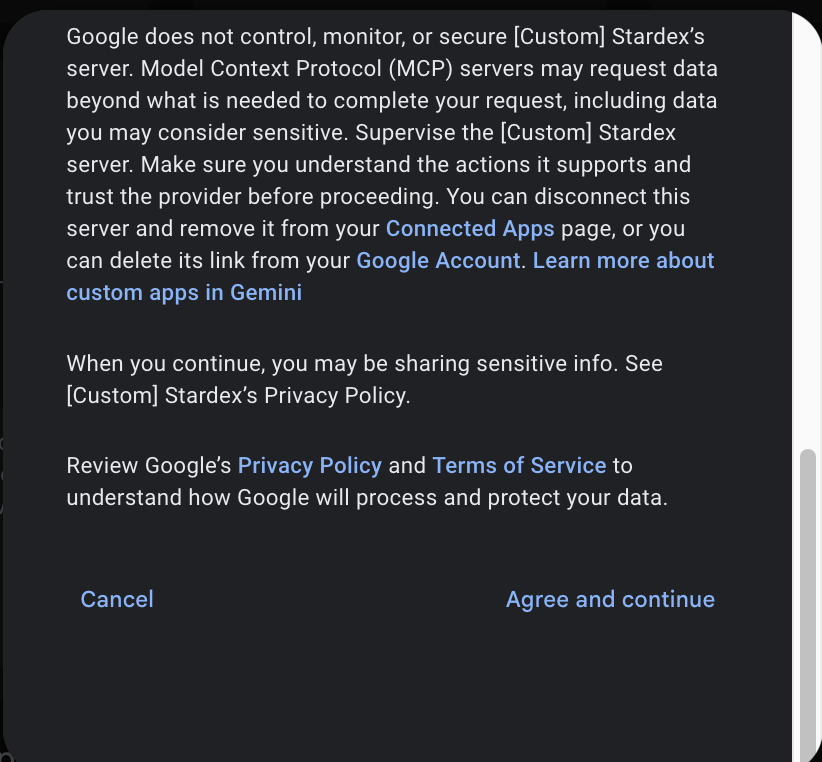
  1. Click Next, and click Agree and Continue
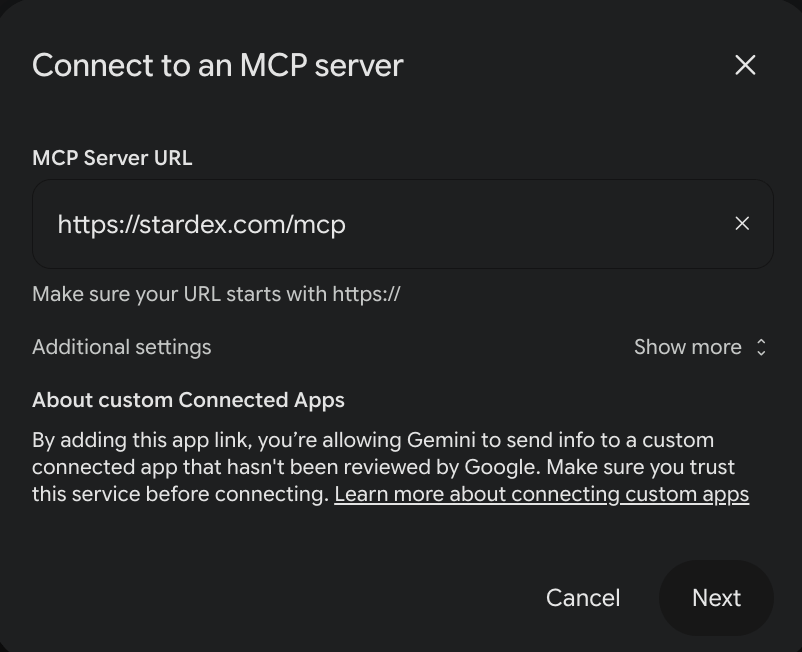
Gemini Google Connector — screenshot 3 Gemini Google Connector — screenshot 4
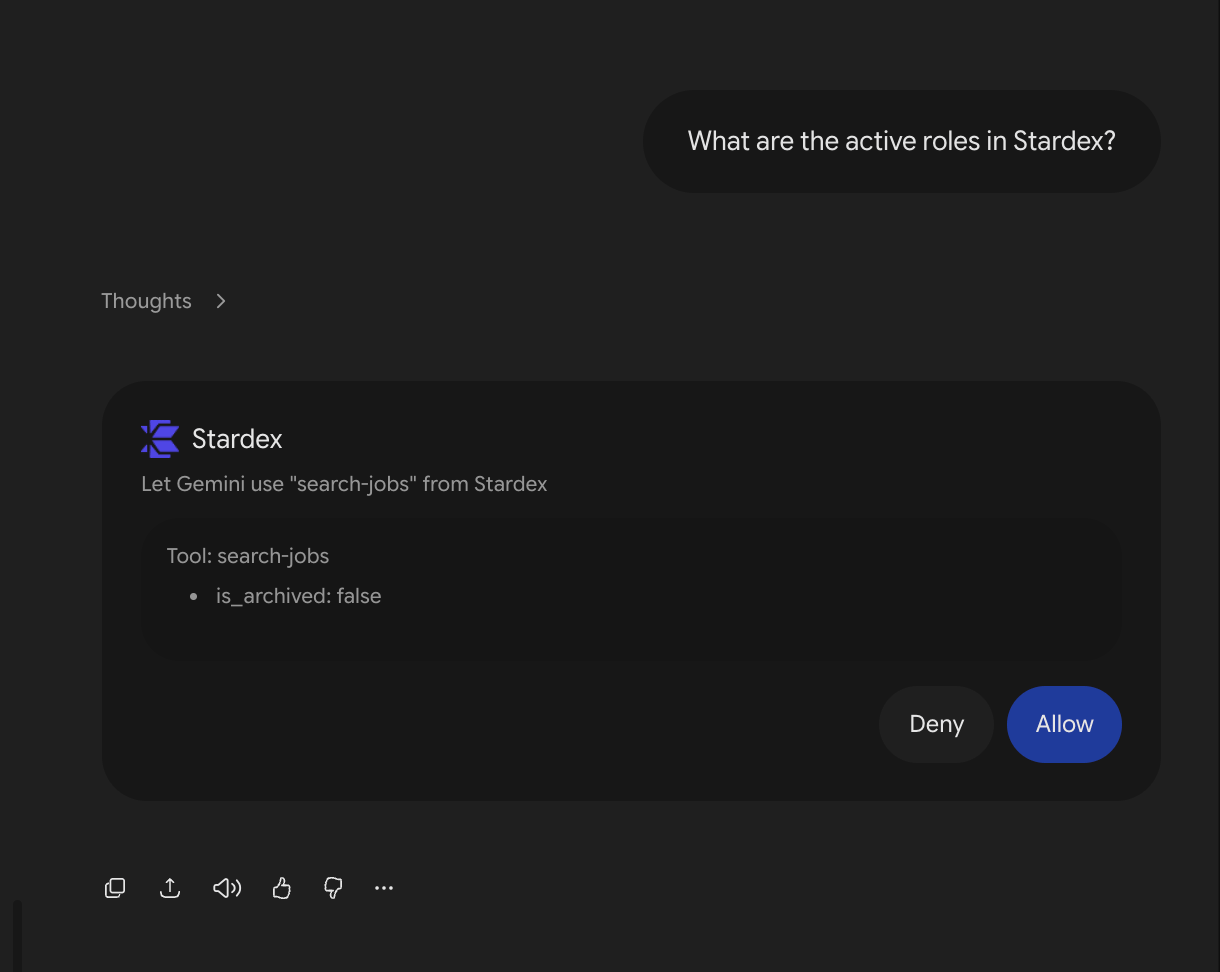
  1. It will take you to the Stardex app. Click Allow
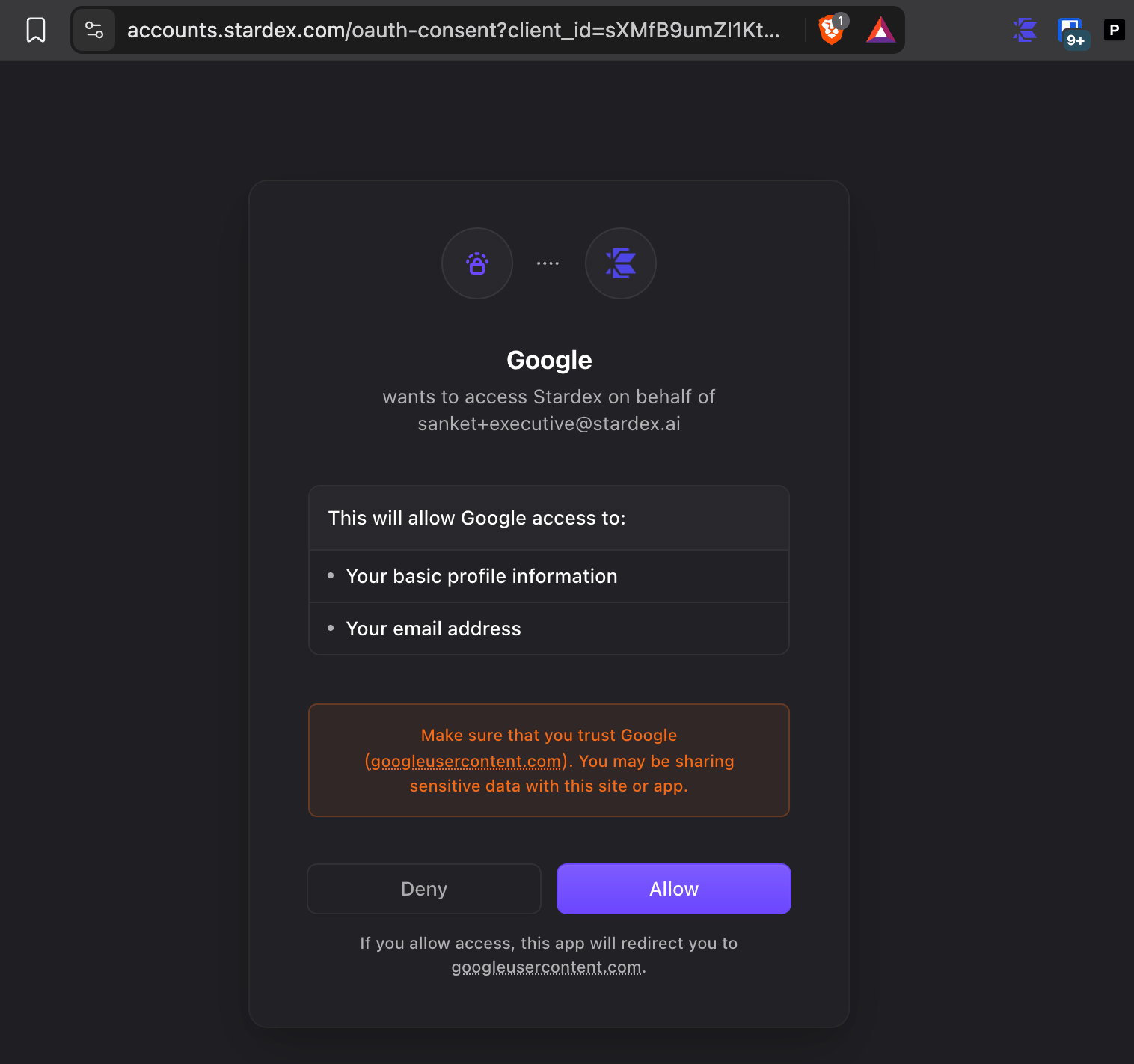
Gemini Google Connector — screenshot 5
  1. Enter Stardex as the name for the custom app, and click Connect
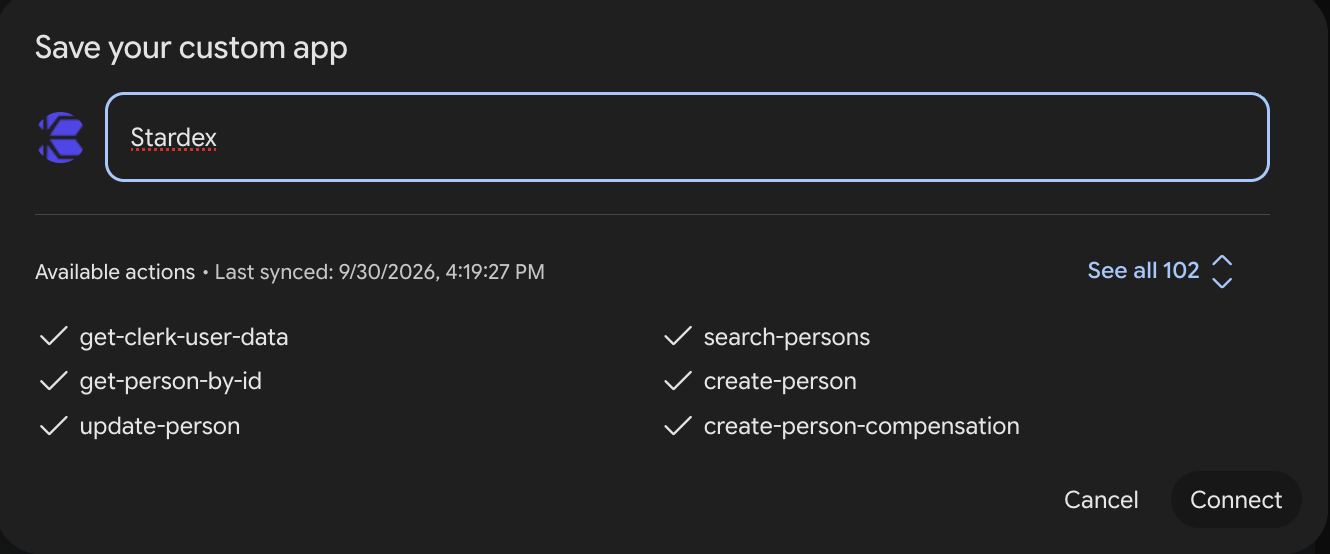
Gemini Google Connector — screenshot 6
  1. Once done, you should see it at the bottom
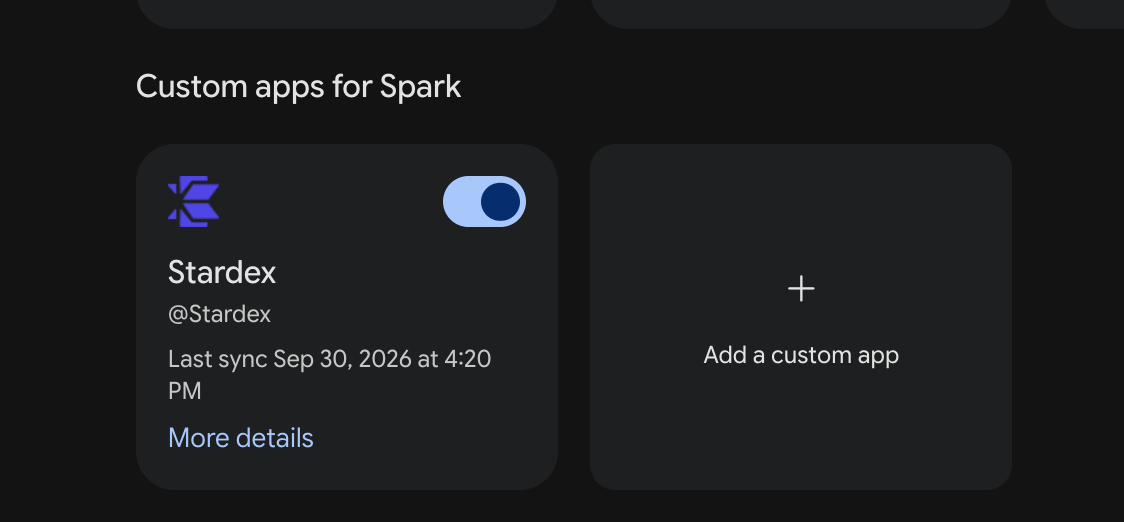
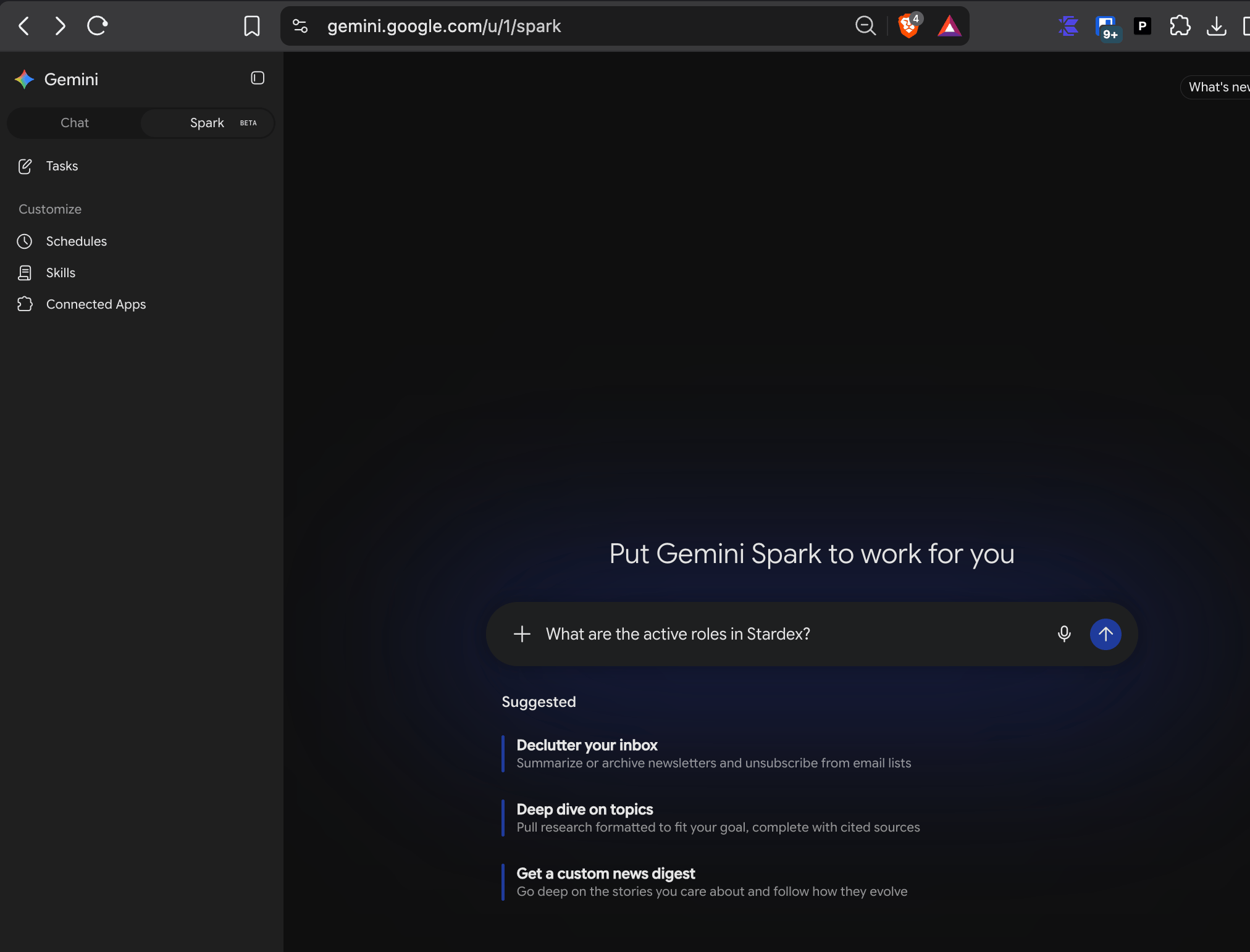
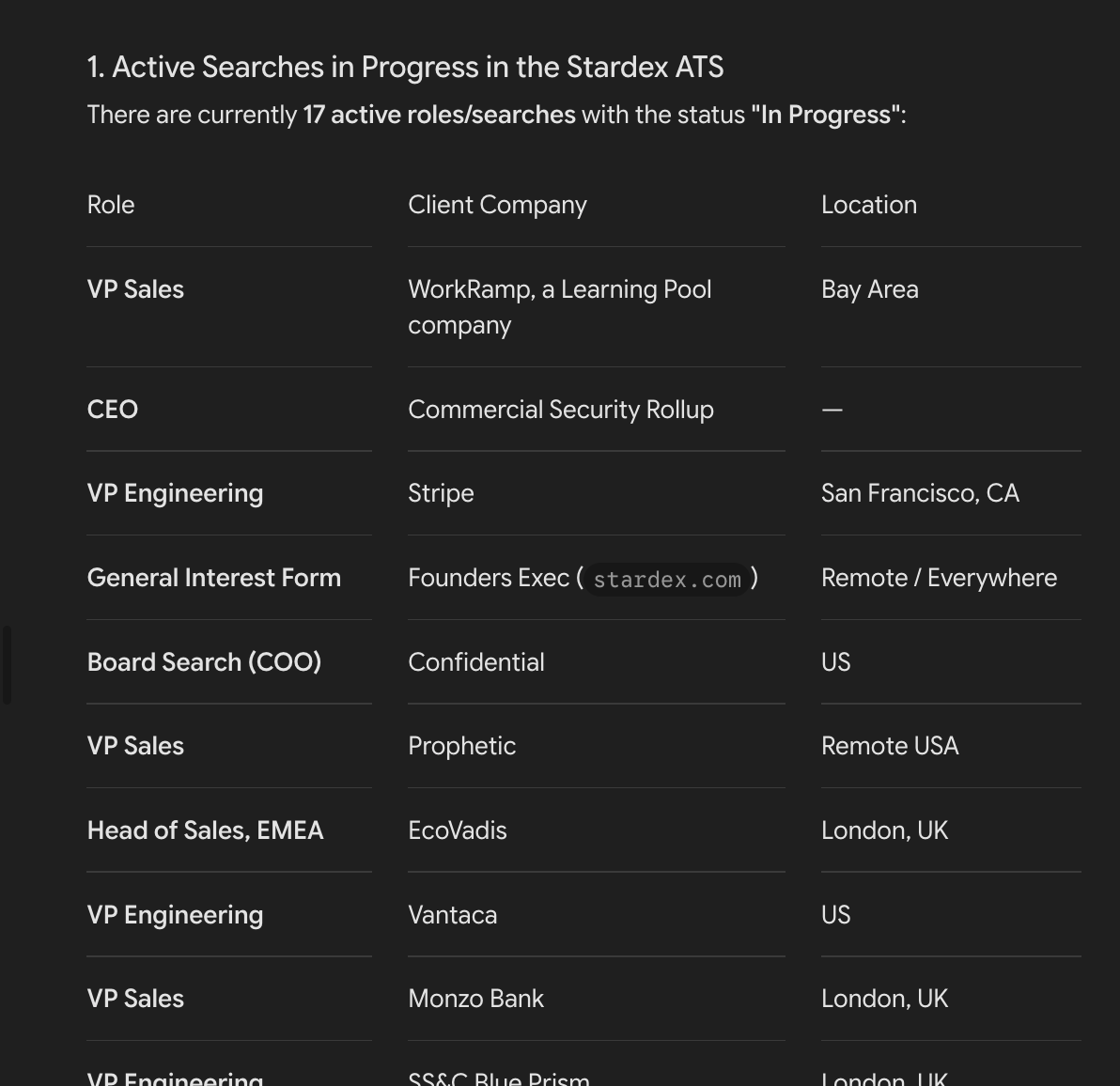
Gemini Google Connector — screenshot 7 You can now ask it questions about your roles, and candidates in Google Spark mode. Make sure you switch to that to ask the question. Gemini Google Connector — screenshot 8 Gemini Google Connector — screenshot 9 Gemini Google Connector — screenshot 10