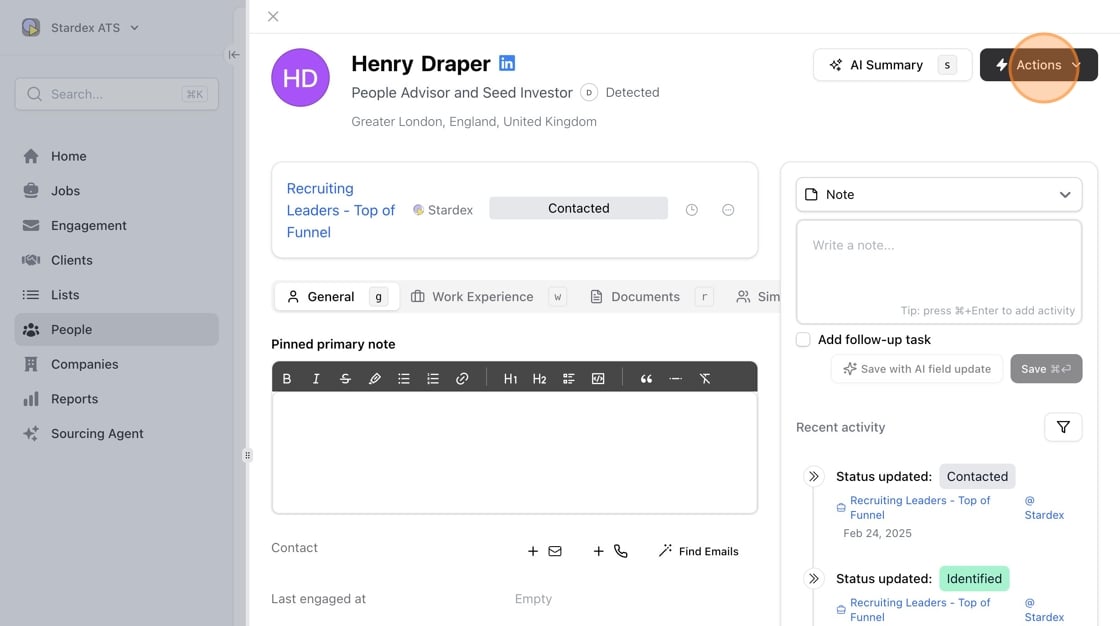
- Click “Actions” on a person’s profile
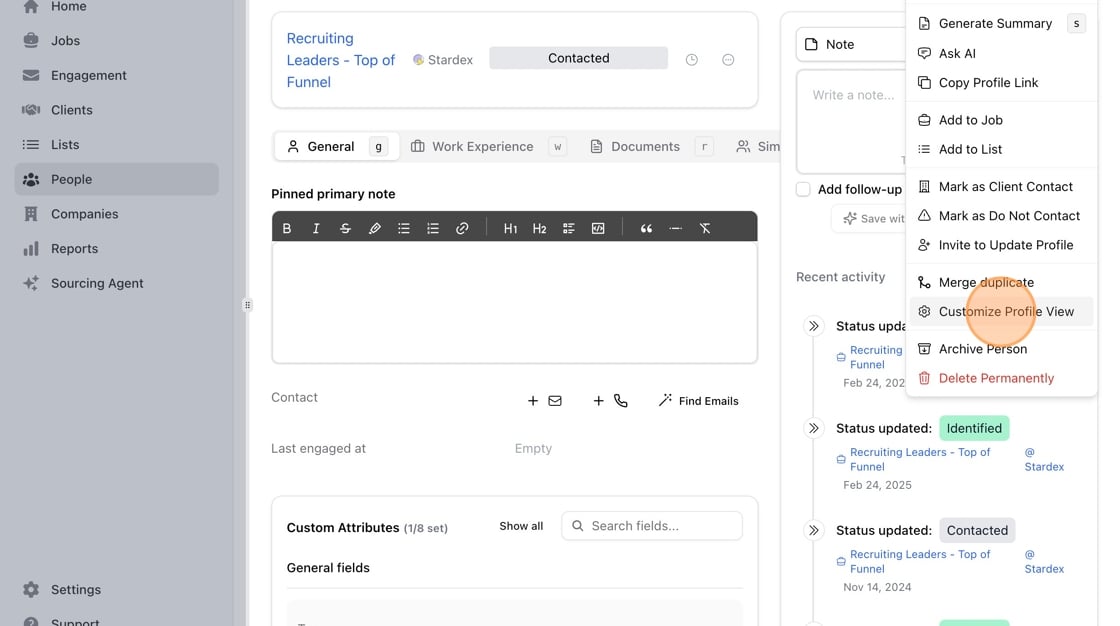
- Click “Customize Profile View”
- You can switch between Tabbed interface or Single page if you want to see all sections on one scrollable page.
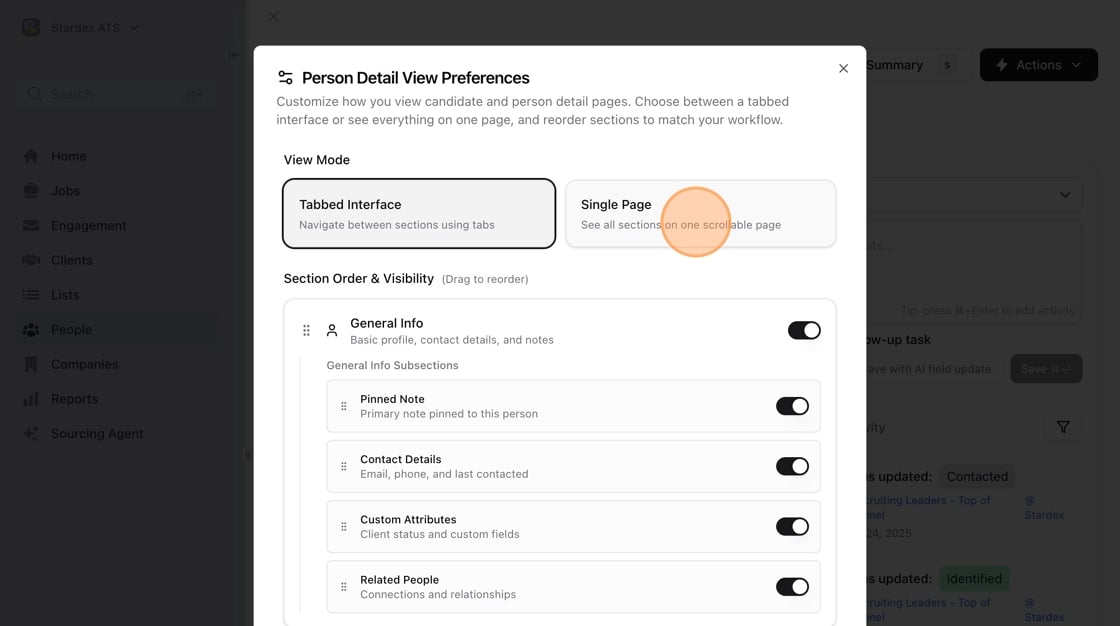
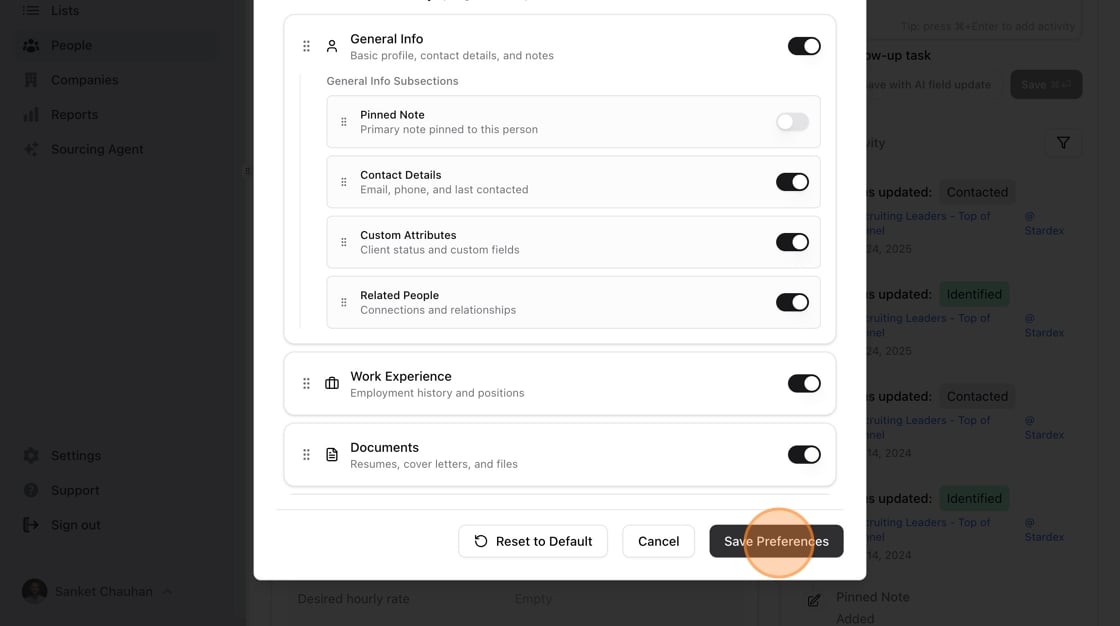
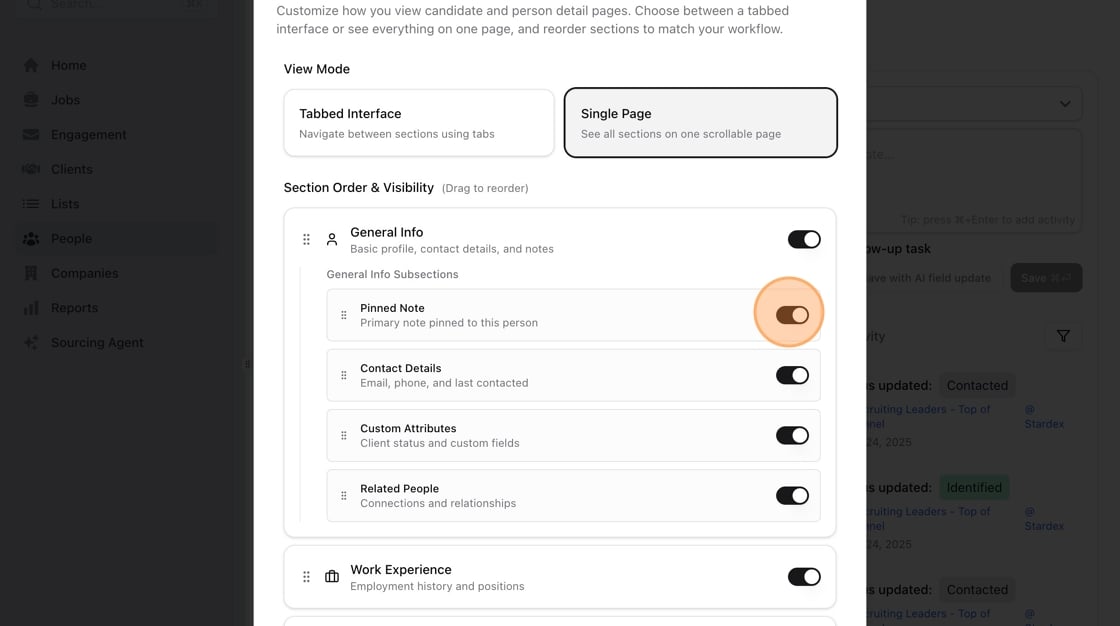
- You can also customize what items you want to show / hide and the ordering!
- Click “Save Preferences” This will be available now on all profiles going forward for your account.