Who sees what
- Everyone can connect their own mailbox, calendar, personal notetakers, ChatGPT / Claude, and WhatsApp (once Stardex has enabled WhatsApp for your organization).
- Admins also see Email intake, API access & Webhooks, and RingCentral / Ringover under VoIP & messaging.
- Organization settings (pipeline, members, billing, compliance) still live under the Organization tab.
First-time setup
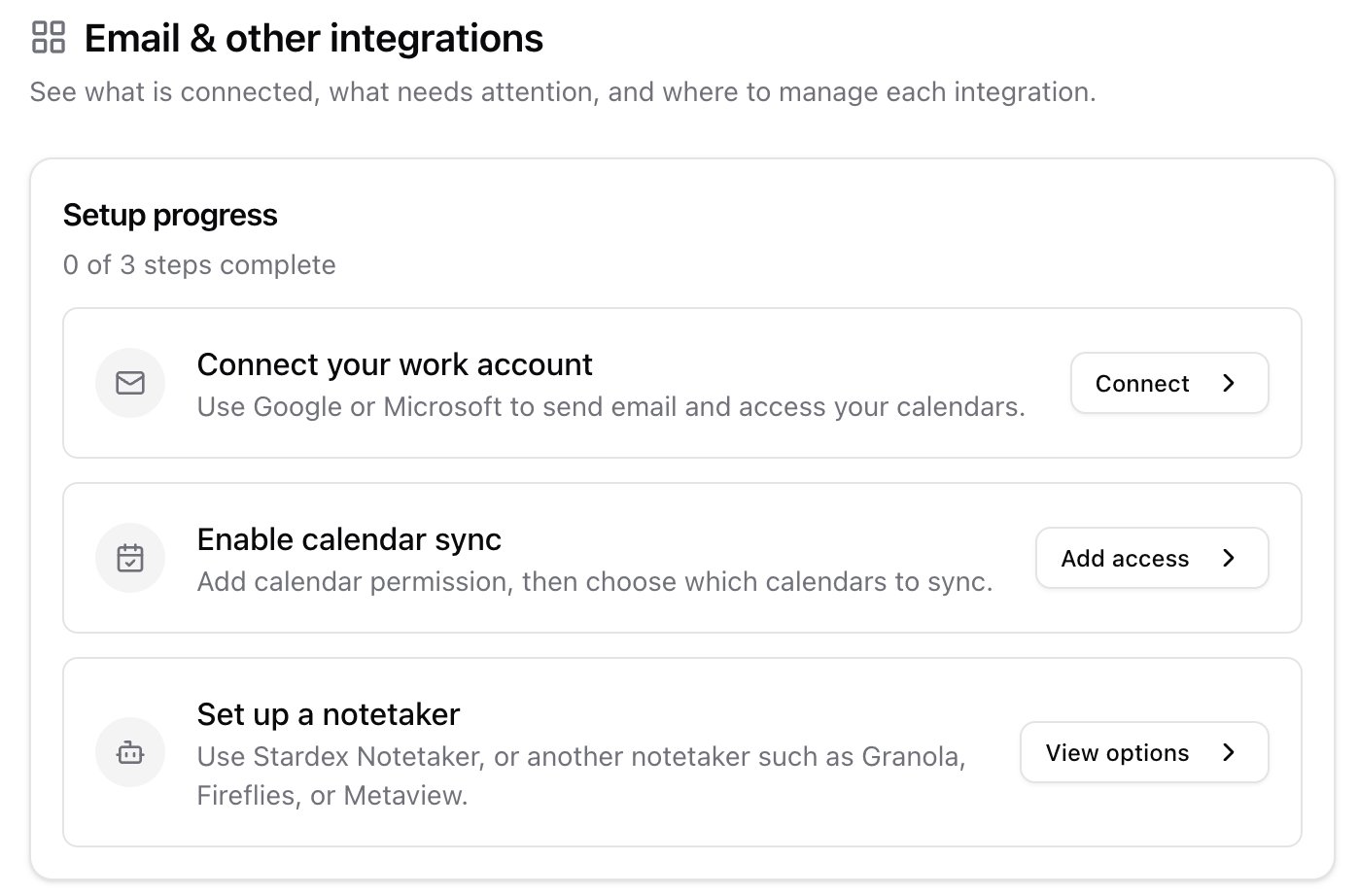
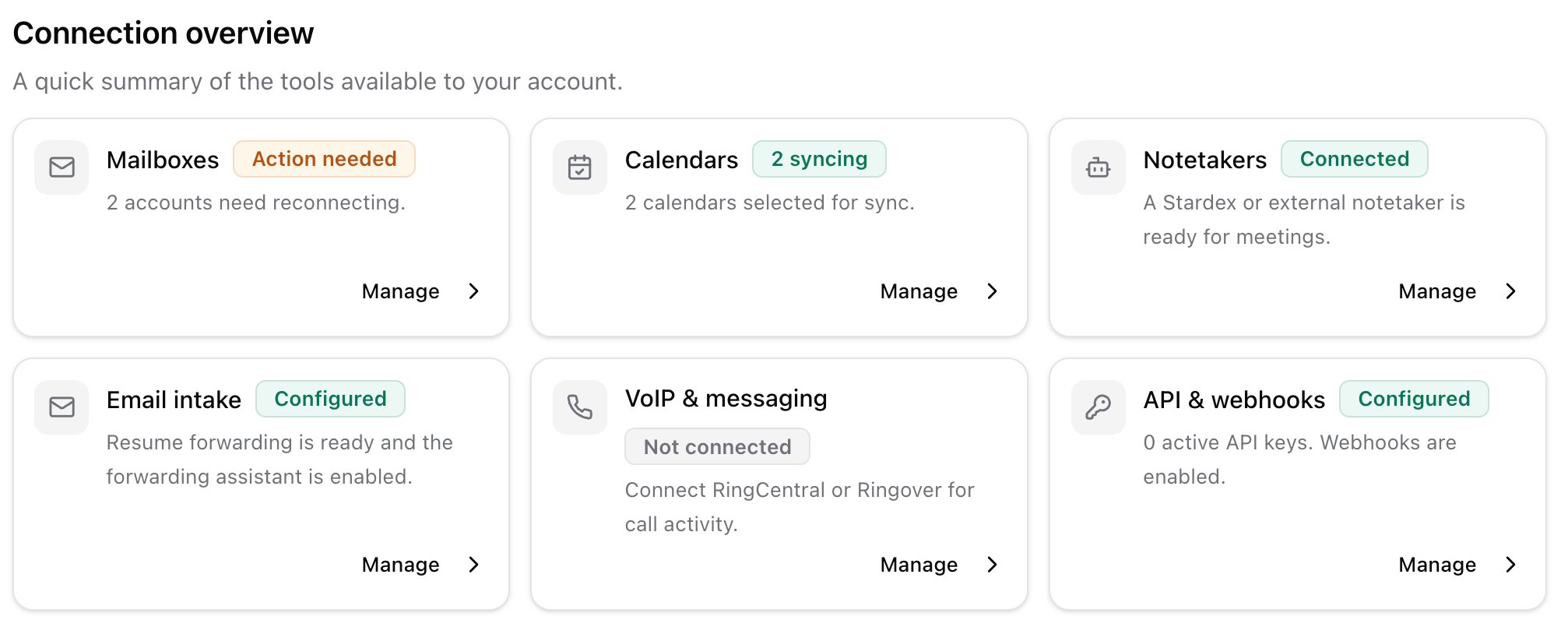
Open Overview. Stardex walks you through three steps:- Connect your work account — Google or Microsoft. This is the mailbox you send from.
- Enable calendar sync — pick which calendars Stardex can see, so meetings and the notetaker work.
- Set up a notetaker — Stardex Notetaker, Granola, or Fireflies.
What’s in this tab
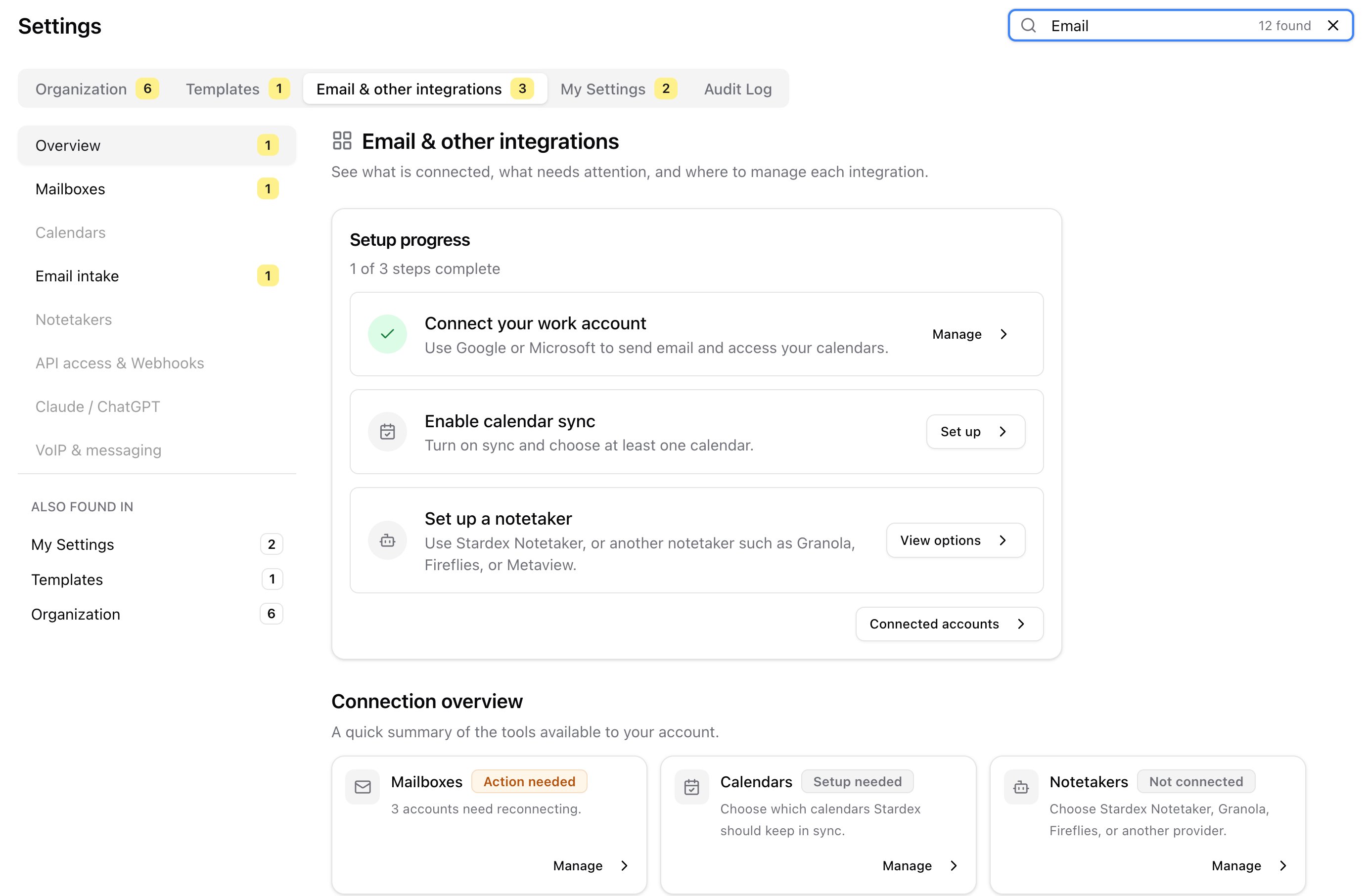
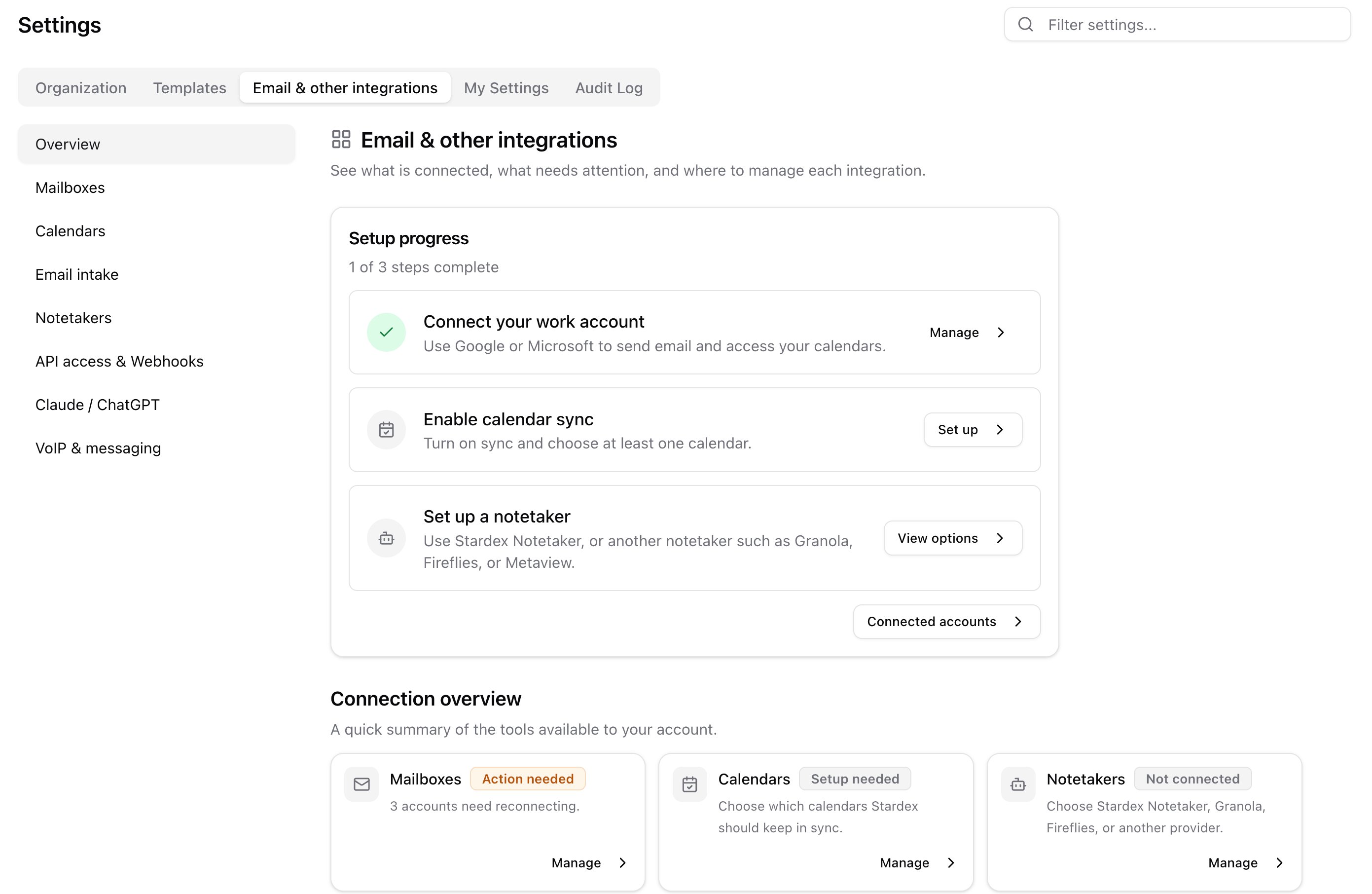
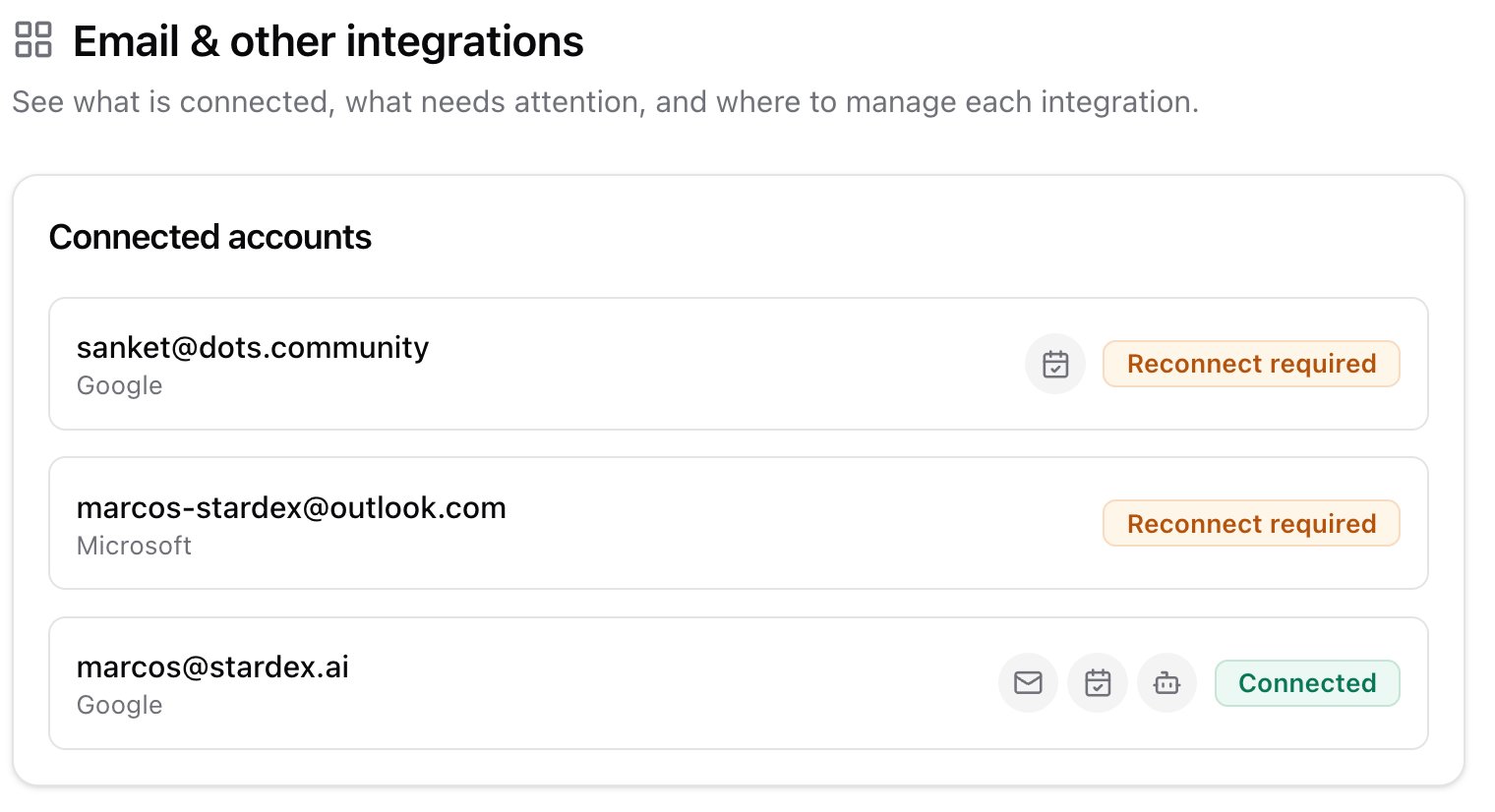
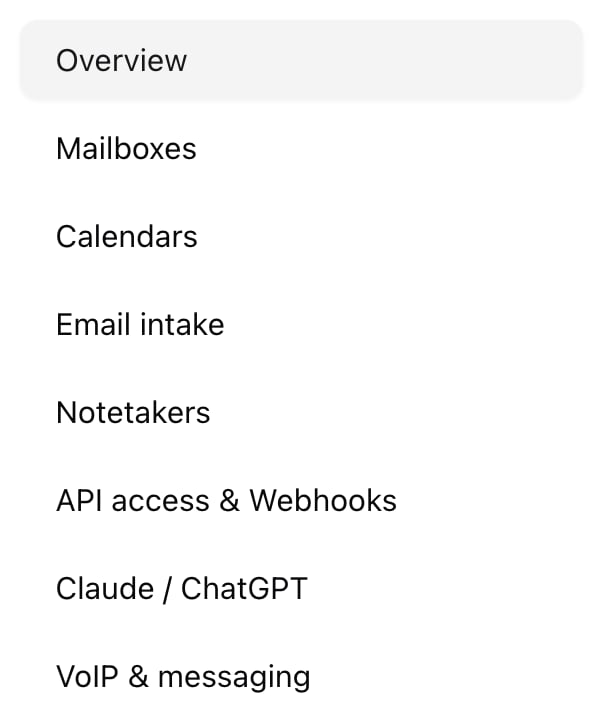
Use the left sidebar, or the cards on Overview. Mailboxes — Connect Google or Microsoft. Manage sending health, signatures, email sync, and sharing a mailbox with a teammate. Details: Email and calendar syncing, Connecting Multiple Mailboxes. Calendars — Turn calendar sync on, pick calendars, set meeting defaults. Admins also set Calendar Stage Automation here. Email intake (admins) — Your team forwarding address (your-team@inbox.stardex.ai) and the Email Forwarding Assistant.
Notetakers — Stardex Notetaker, plus Granola and Fireflies (personal for everyone, workspace / enterprise for admins).
API access & Webhooks (admins) — API keys and Svix webhooks.
Claude / ChatGPT — Copy the Stardex MCP URL, or jump into ChatGPT / Claude with it filled in.
VoIP & messaging — Admins connect RingCentral or Ringover. Anyone can connect their own WhatsApp once Stardex has enabled that add-on for your organization.
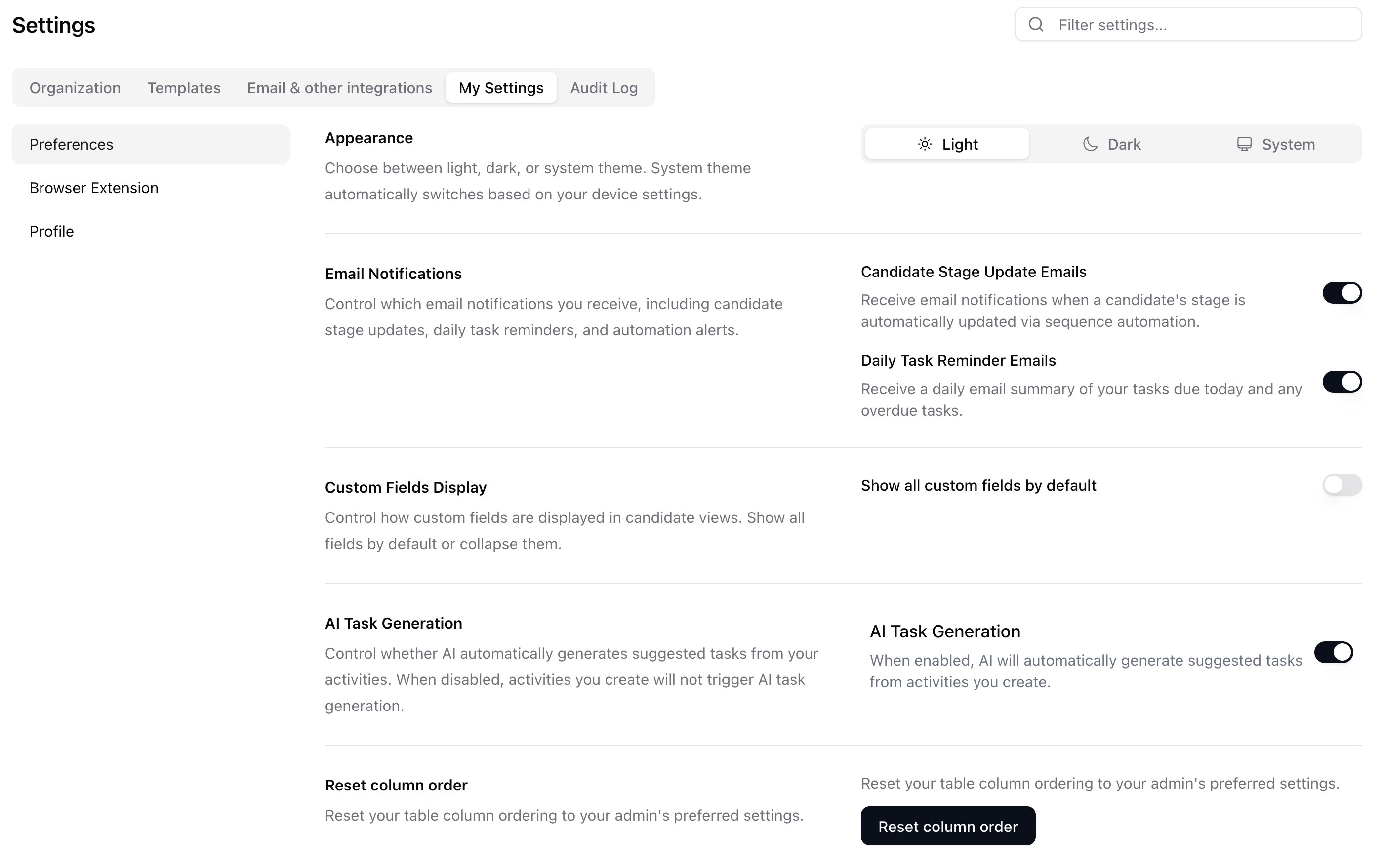
Theme, notifications, and your login profile still live under My Settings.
Finding a setting
Use Filter settings… in the top right. Matching tabs get a yellow badge. If the match is on another tab, a jump chip appears in the sidebar.