

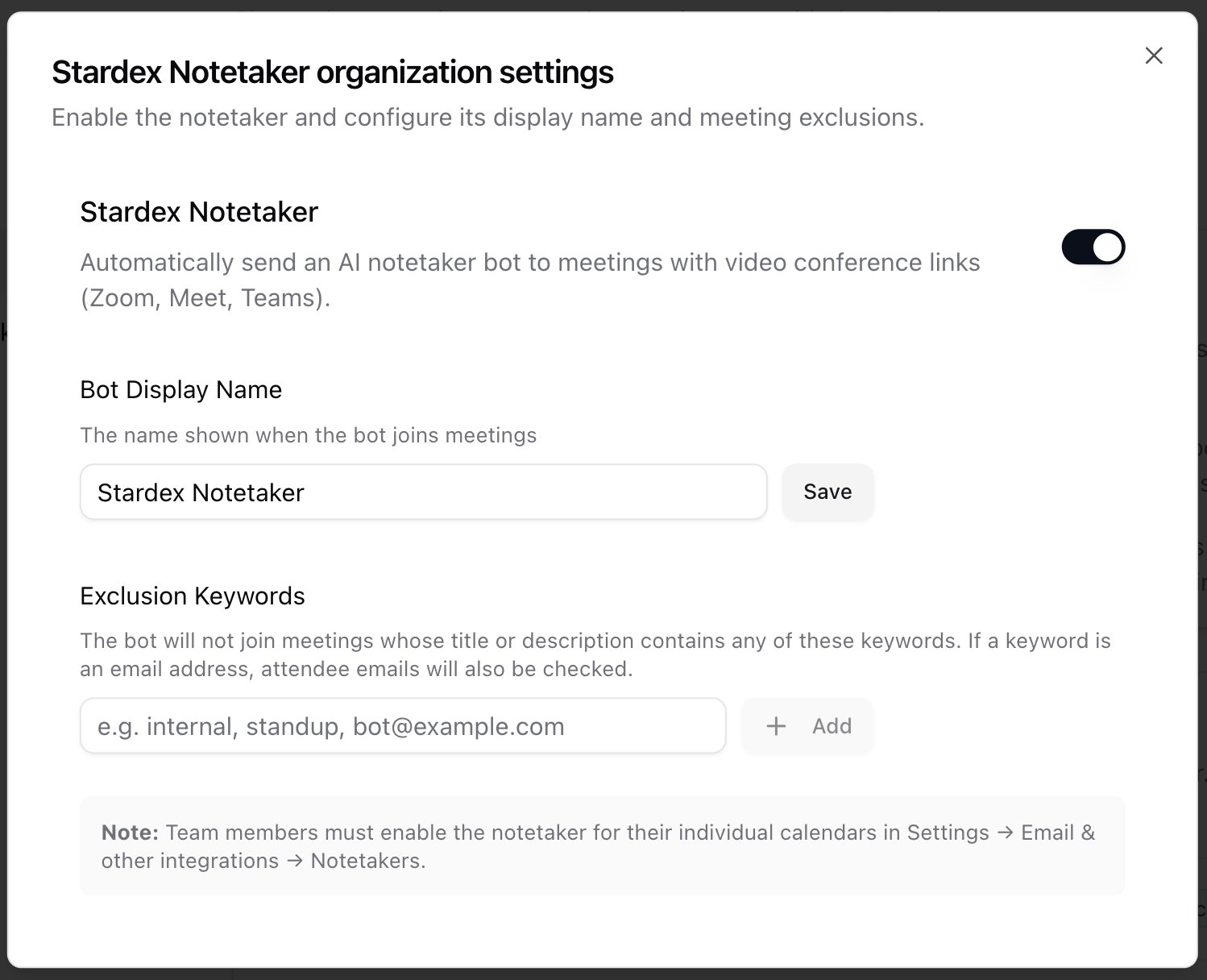
Admins first: if your team wants Stardex Notetaker, an admin must enable it for the workspace. Open Settings → Email & other integrations → Notetakers, click the gear, and turn it on. You can also set the bot display name and exclusion keywords there. Direct link: stardex.com/settings?tab=email-calendar§ion=notetaker
Connect your calendar
- Connect a work account if you have not already. Go to Settings → Email & other integrations → Mailboxes and click Connect Google or Connect Microsoft: stardex.com/settings?tab=email-calendar§ion=mailboxes
- Open Calendars: stardex.com/settings?tab=email-calendar§ion=calendars
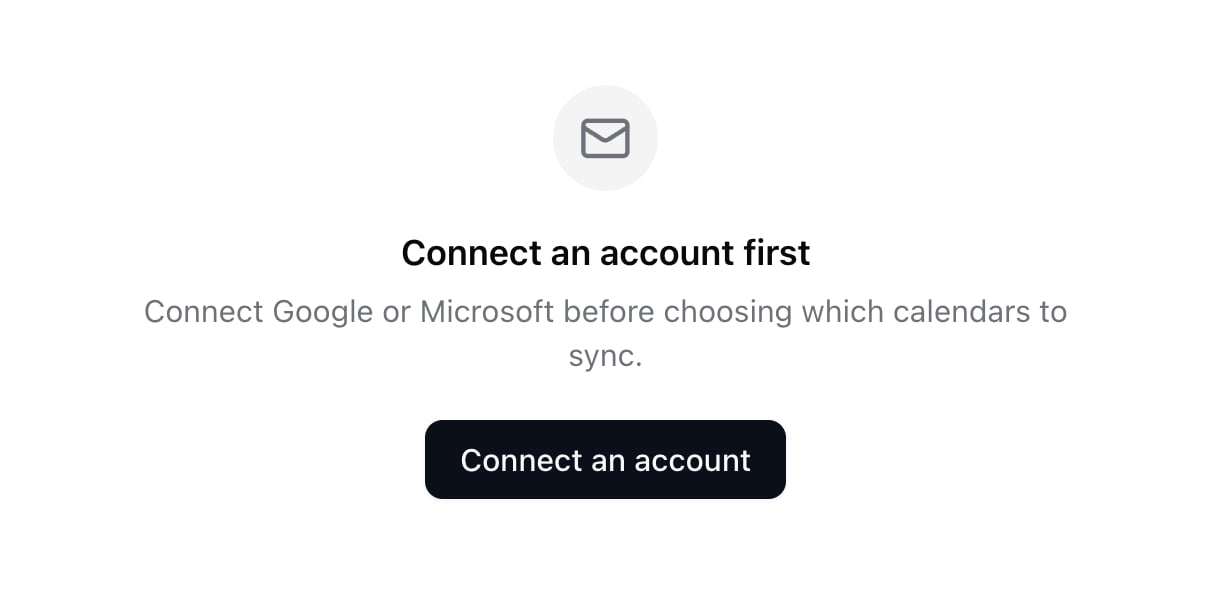
- If email is connected but calendar permission is missing, you will see Calendar Not Connected. Click Connect Calendar and finish OAuth. On Google, leave the calendar checkbox on.
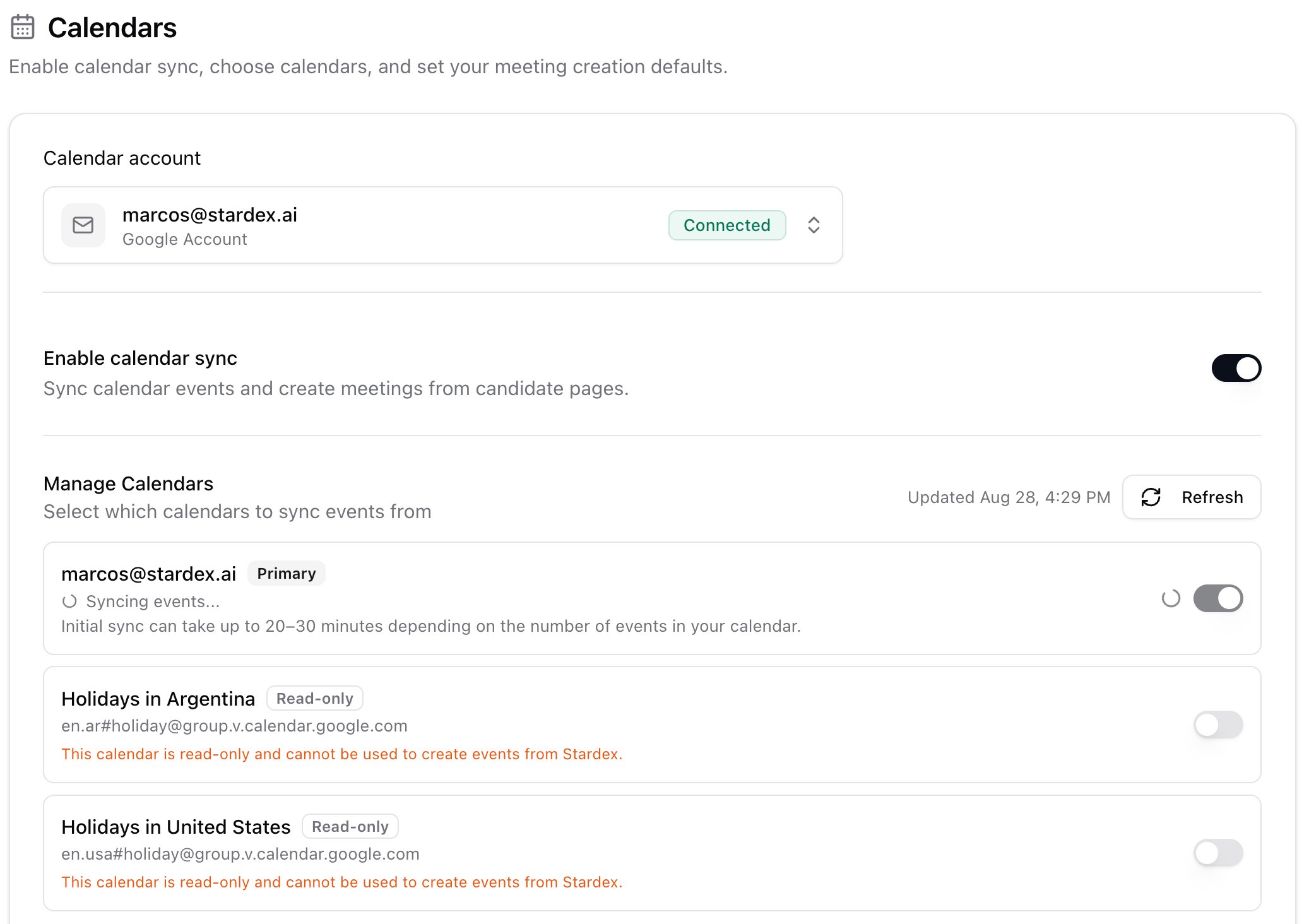
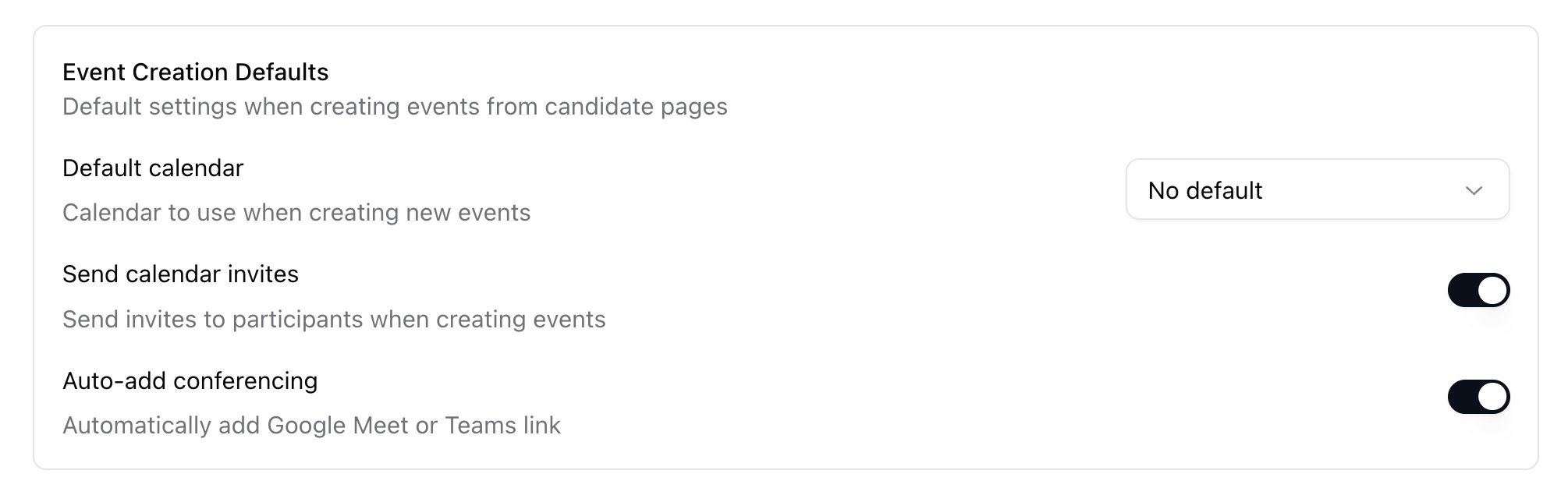
- Turn Enable calendar sync on, then pick which calendars Stardex should use. Primary is labeled. You can also set meeting-creation defaults on this page (which calendar new events go to, conference links, invite defaults).
Turn on Stardex Notetaker for your calendars
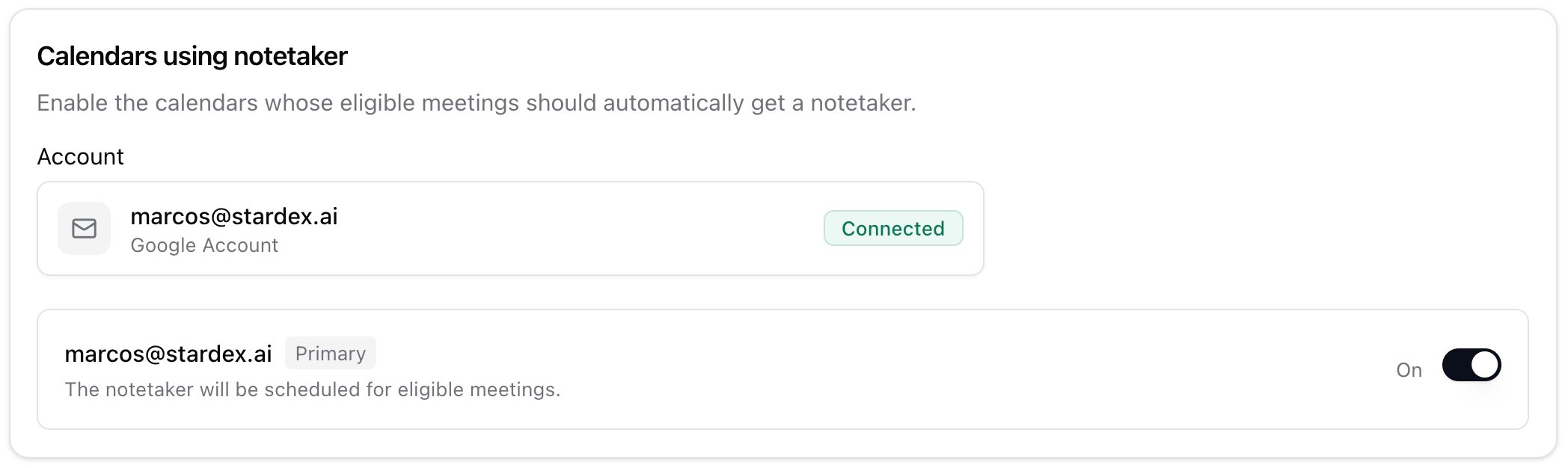
Once the org has enabled the notetaker, and you have a writable synced calendar:- Go to Notetakers: stardex.com/settings?tab=email-calendar§ion=notetaker
- Pick the mailbox if you have more than one.
- Toggle the notetaker On for each calendar that should send the bot. Confirm in the dialog.
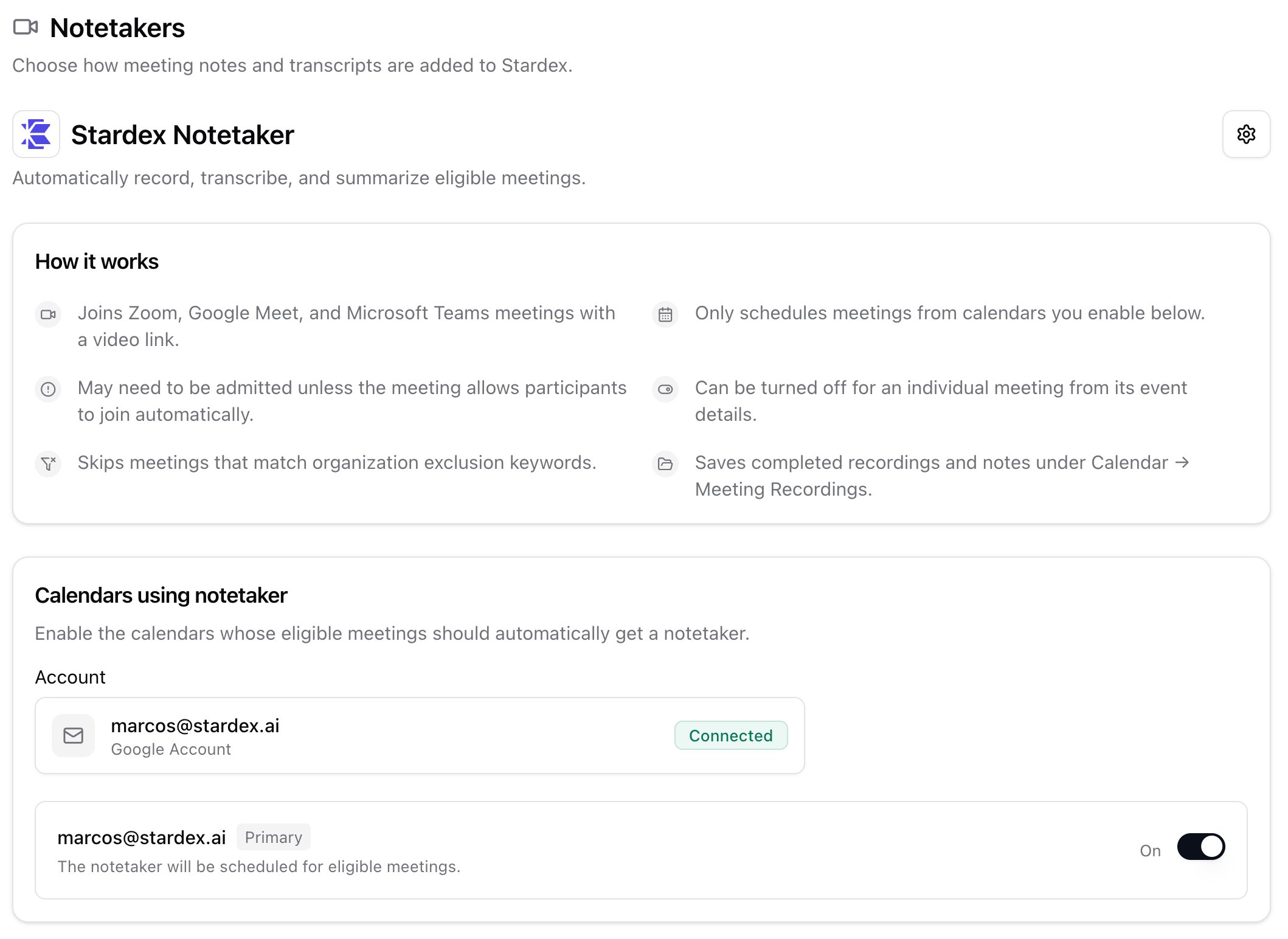
- The bot joins Zoom, Google Meet, and Microsoft Teams when there is a video link
- It only uses calendars you enable here
- You may need to admit it from the waiting room
- You can turn it off on a single event
- Meetings whose titles match org exclusion keywords are skipped
- Recordings land under Calendar → Meeting Recordings
Send the notetaker to an ad-hoc call
If a meeting is not on your calendar, you can still send the Stardex notetaker by pasting the meeting link directly.- Open Calendar → Meeting Recordings in Stardex.
- Click Record a meeting.
- Paste the meeting link.
- Supported links include Zoom, Google Meet, Microsoft Teams, and Webex.
- Add a title if you want one. This is optional.
- Click Start recording.