

Where to find webhooks
Go to Settings → Email & other integrations → API access & Webhooks: stardex.com/settings?tab=email-calendar§ion=api-access Scroll to Webhooks. Turn the toggle on, then open the Svix portal. You can also open it in a new tab.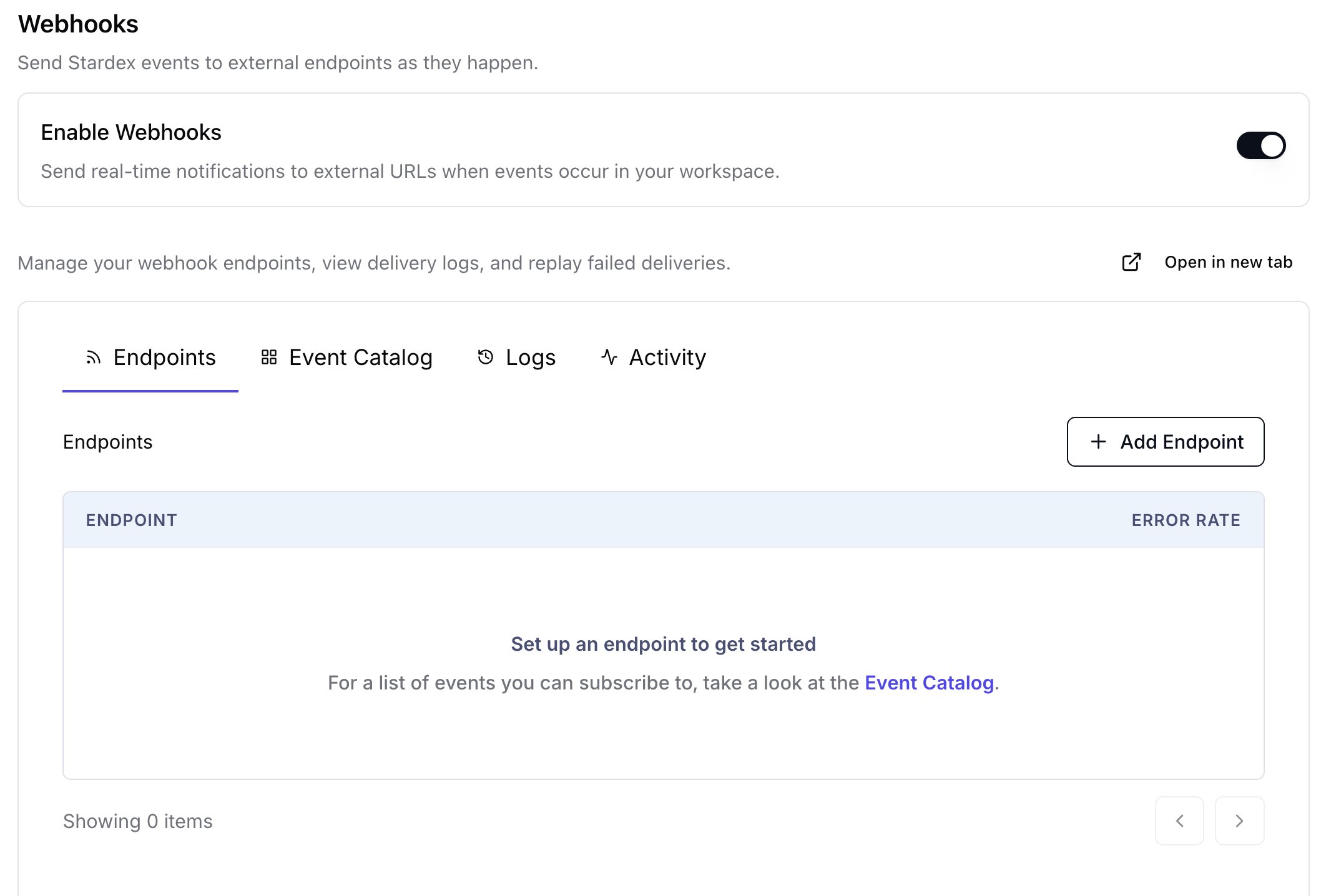
?tab=organization§ion=webhooks no longer opens this screen.
Using the portal
Once webhooks are enabled:- Add an endpoint URL that can receive POST requests.
- Pick the events you care about from the catalog.
- Use the signing secret to verify payloads.
- Check logs and activity if a delivery fails.