Watch the video on Loom
Steps:
- Click Actions on a job you want to make public
- Click Publish Job Application
- Share the link!
- Make a job public using the steps in the video
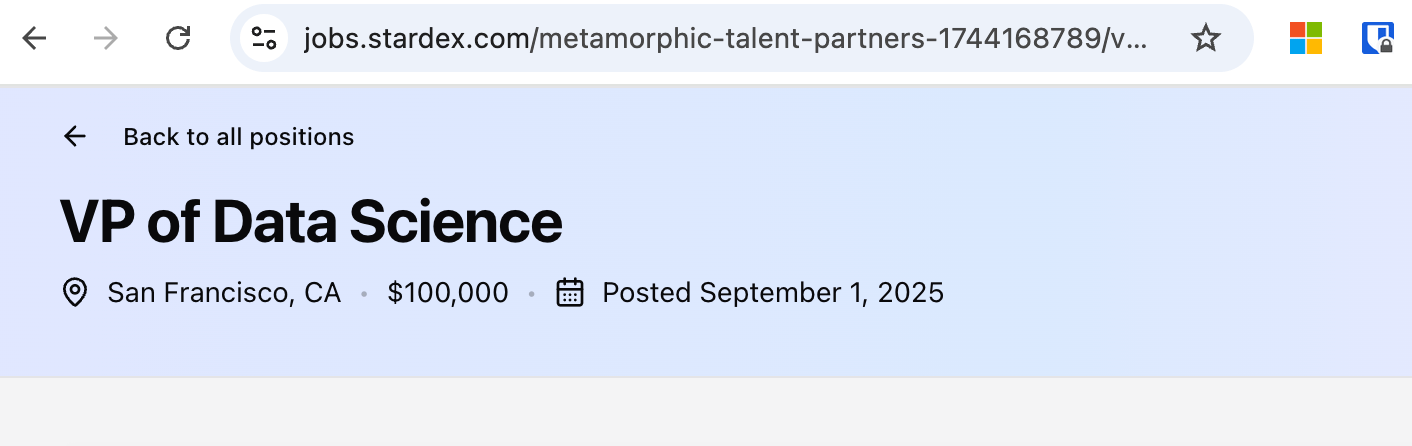
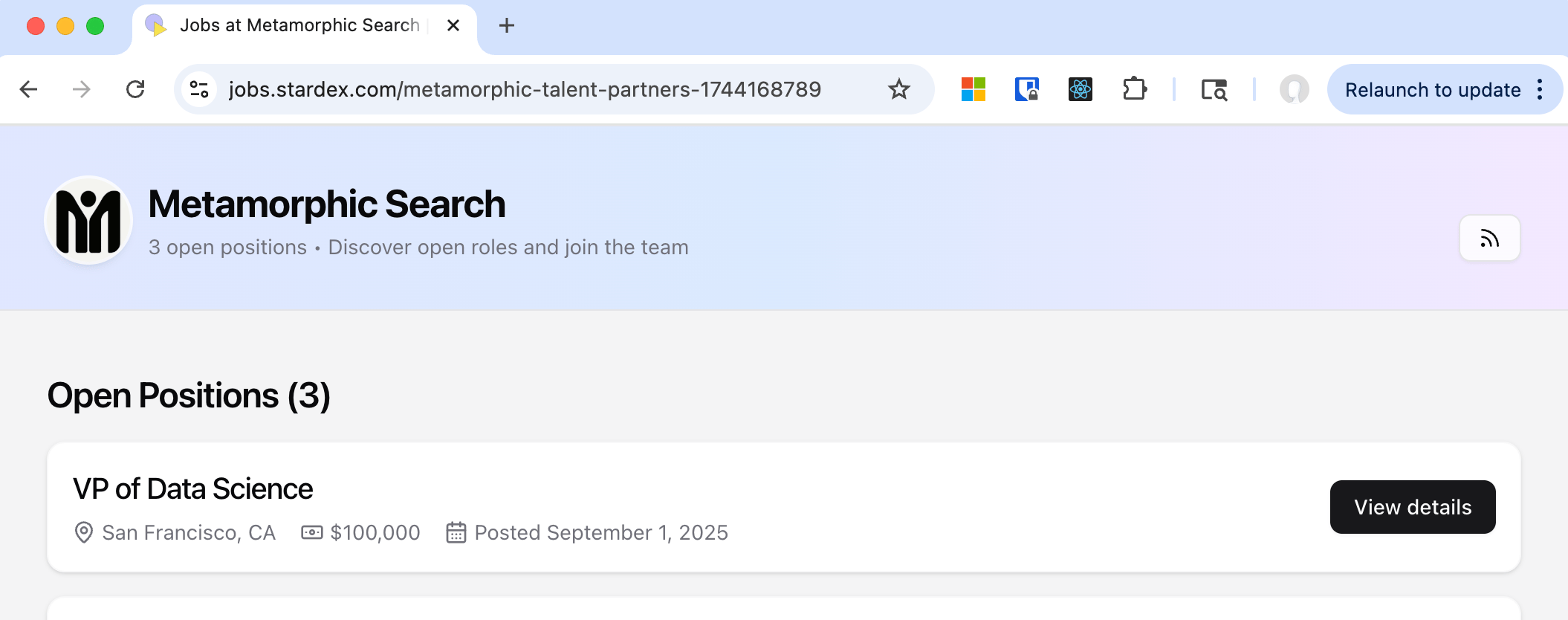
- Once a job is public, goto the job url. Click Back to all positions on top right to see the main job page. This is your organization’s job page listing all the public jobs.
- Click the RSS Icon on the top right. It’ll be of format https://jobs.stardex.com/yourOrgName/rss.xml
- You can use this to send it to your website developer who can integrate that into your website. If you are using tools like wordpress, there are plugins that can easily take this url to properly show this on your website with almost no coding changes.
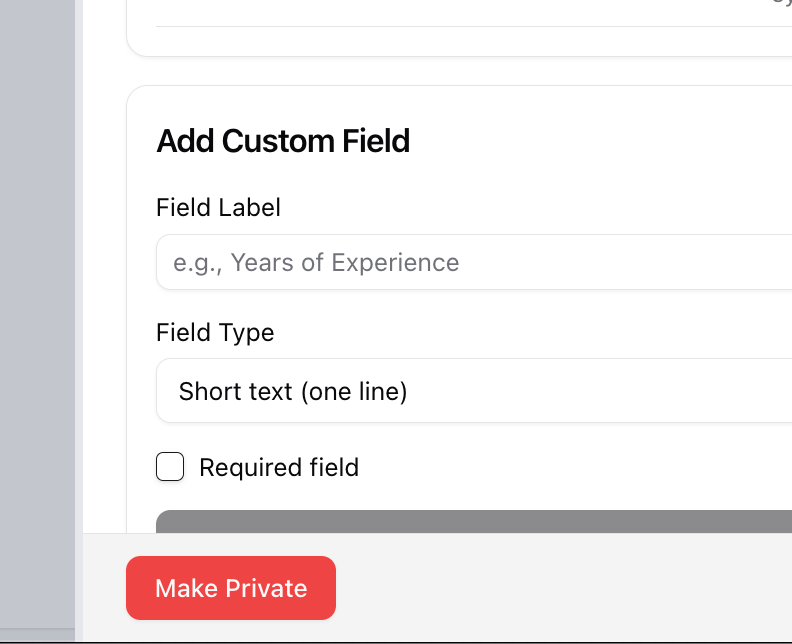
- Click Job application is Live button, and in the sidepanel that shows up click “Make Private”