

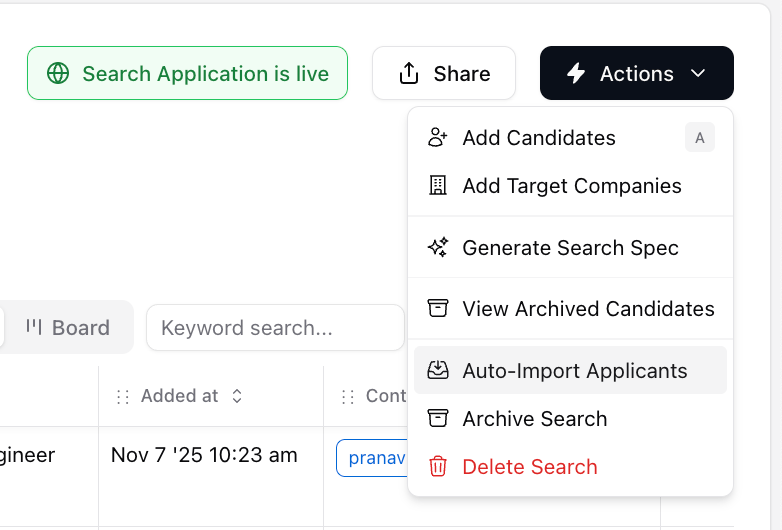
- On a job pipeline page, Click Actions > Auto-import applicants on a job
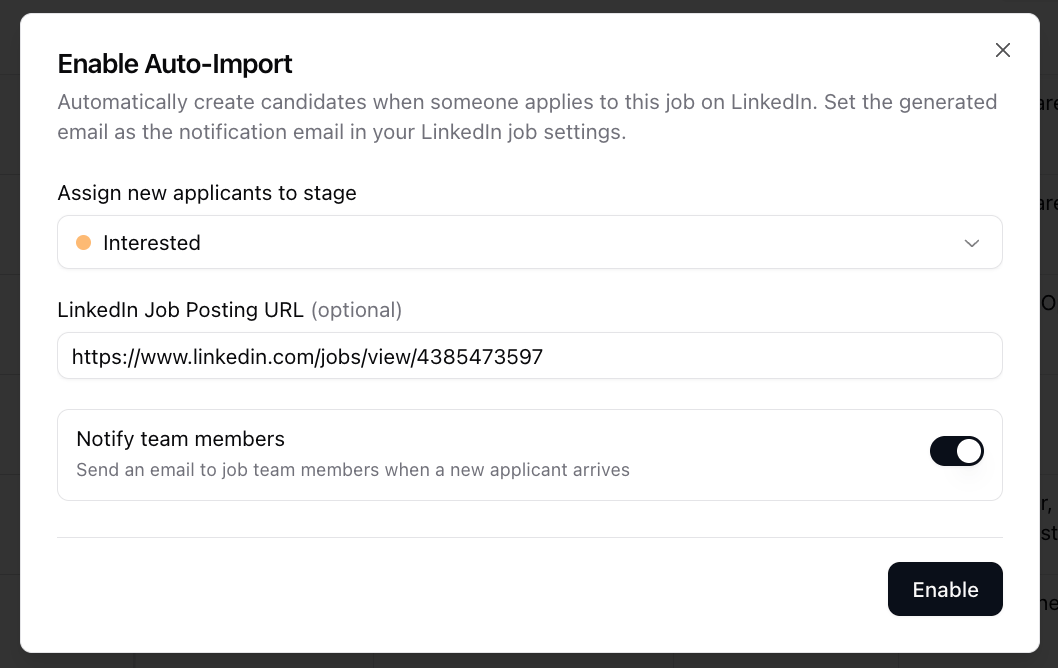
- In the “Enable Auto-import” popup, select the stage you want new applicants to go to and whether recruiters on the job should get an email. Click “Enable”
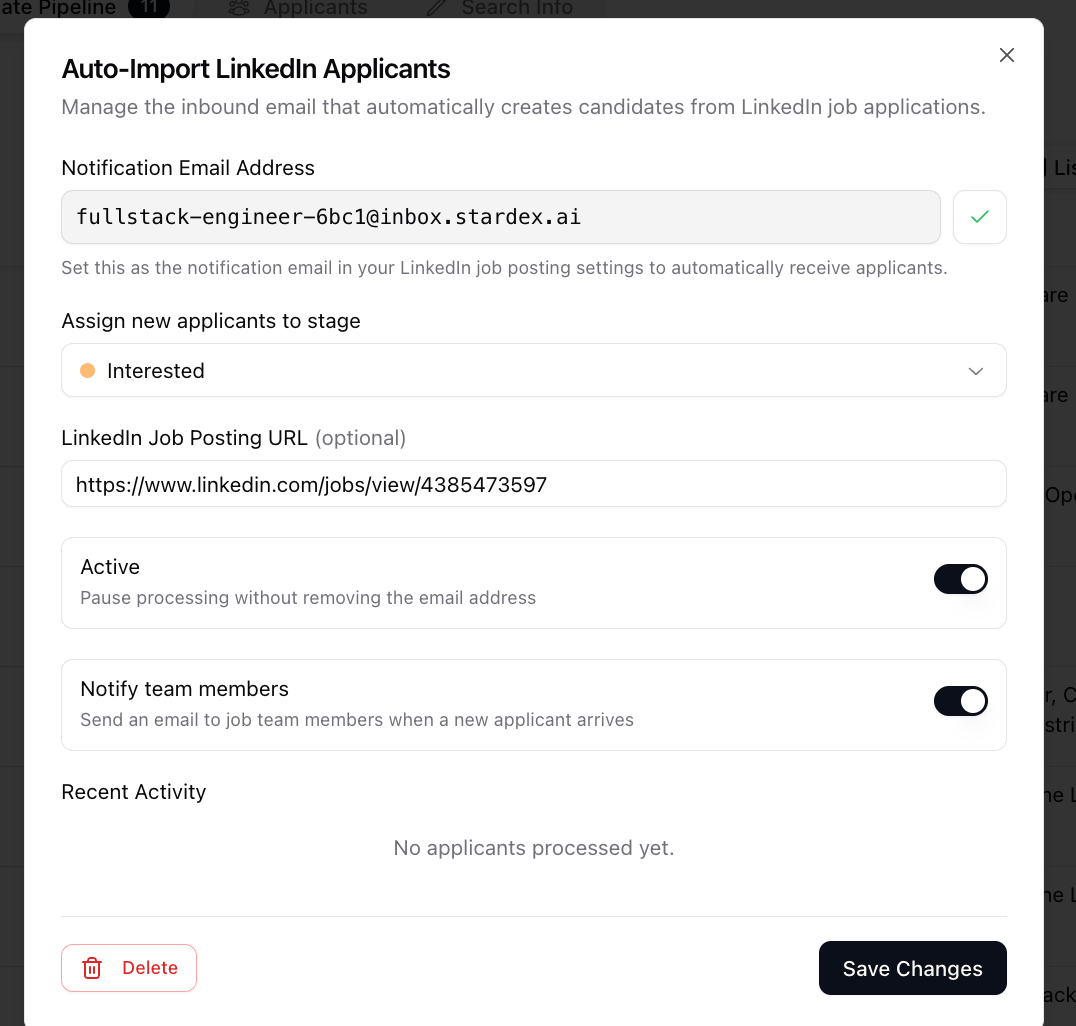
- Once you do so, Stardex will generate a unique email address for that job’s applicants.
- The system receives the email and matches it to the correct job using the address slug
- A background job fetches the full email content and extracts the applicant’s LinkedIn member identifier from the notification
- If Stardex has seen this identifier before for your team, it reuses the existing person record without making an external API call. Otherwise it resolves the identifier to a full LinkedIn profile (name, headline, location, work history, education)
- The system checks whether this person is already a candidate on the job. If they are, the email is logged as Skipped to prevent duplicates
- A person record is created or updated with the resolved profile data, and the person is added as a candidate on the job in the configured pipeline stage
- Screening question answers, skill assessments, and other application metadata from the email are extracted using AI and saved as a structured note on the candidate’s timeline
- Any non-inline attachments (resumes, cover letters) are downloaded and stored as documents on the person record
- If notifications are enabled, each active team member on the job receives an email with the applicant’s name, current role, a link to the candidate in Stardex, and a link to the job