This is an experimental feature, and we will be improving this over time. We welcome any feedback here! Also, we are happy to recommend other sourcing tools that might be a better fit for your use case.
Watch the video on Loom
Instructions on using the Stardex sourcing agent:
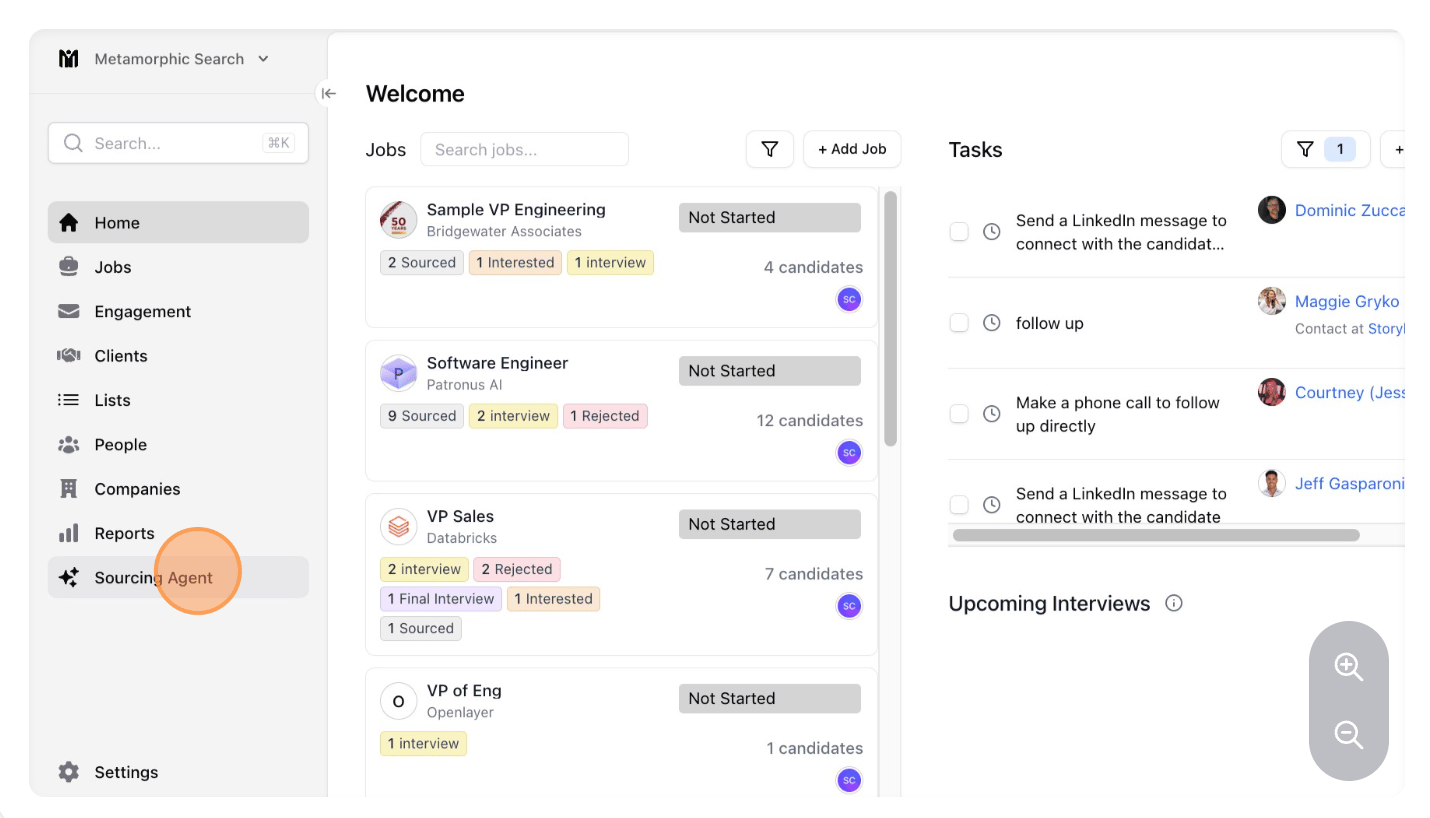
- Click “Sourcing Agent”
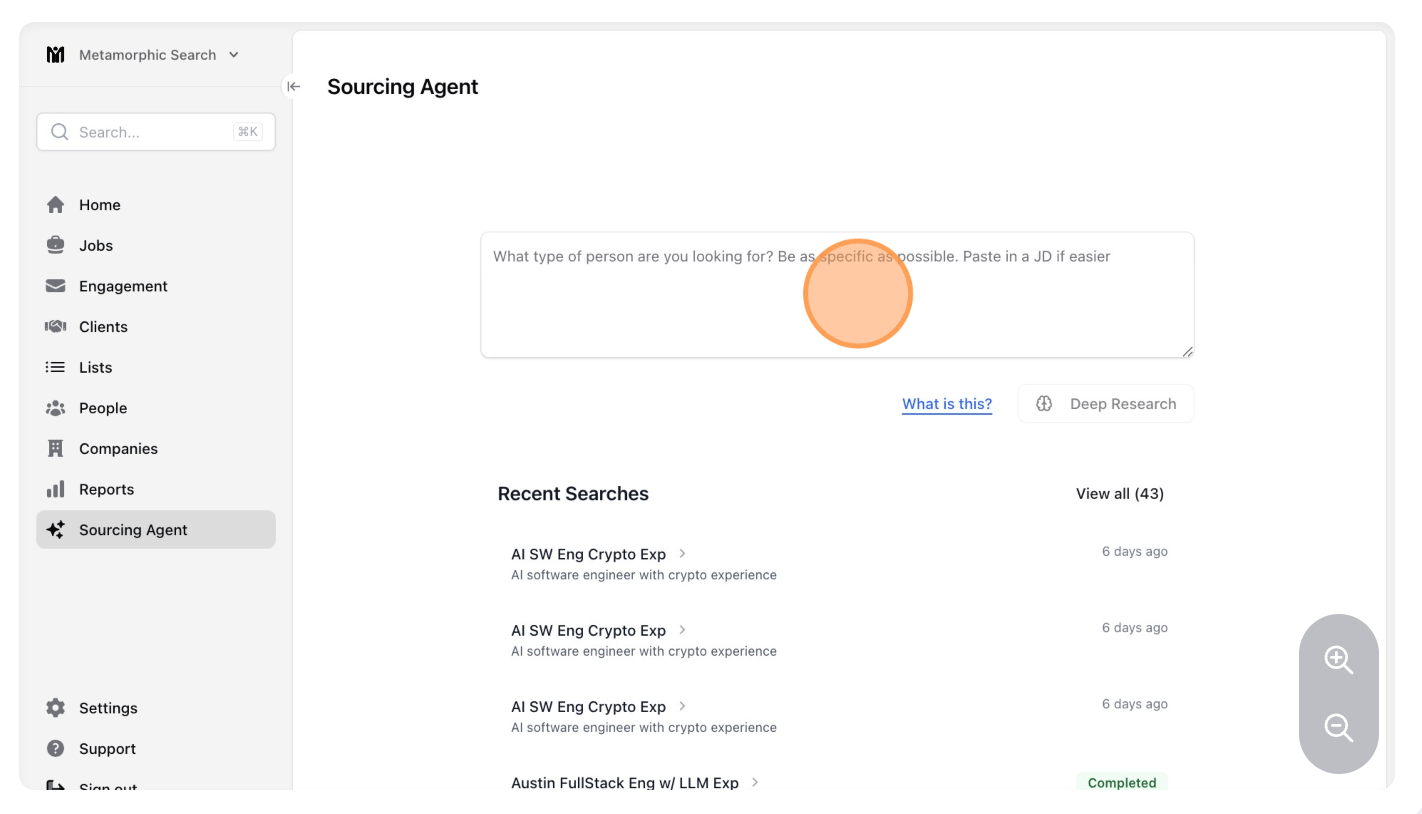
- Click the “What type of person are you looking for? Be as specific as possible. Paste in a JD if easier” field.
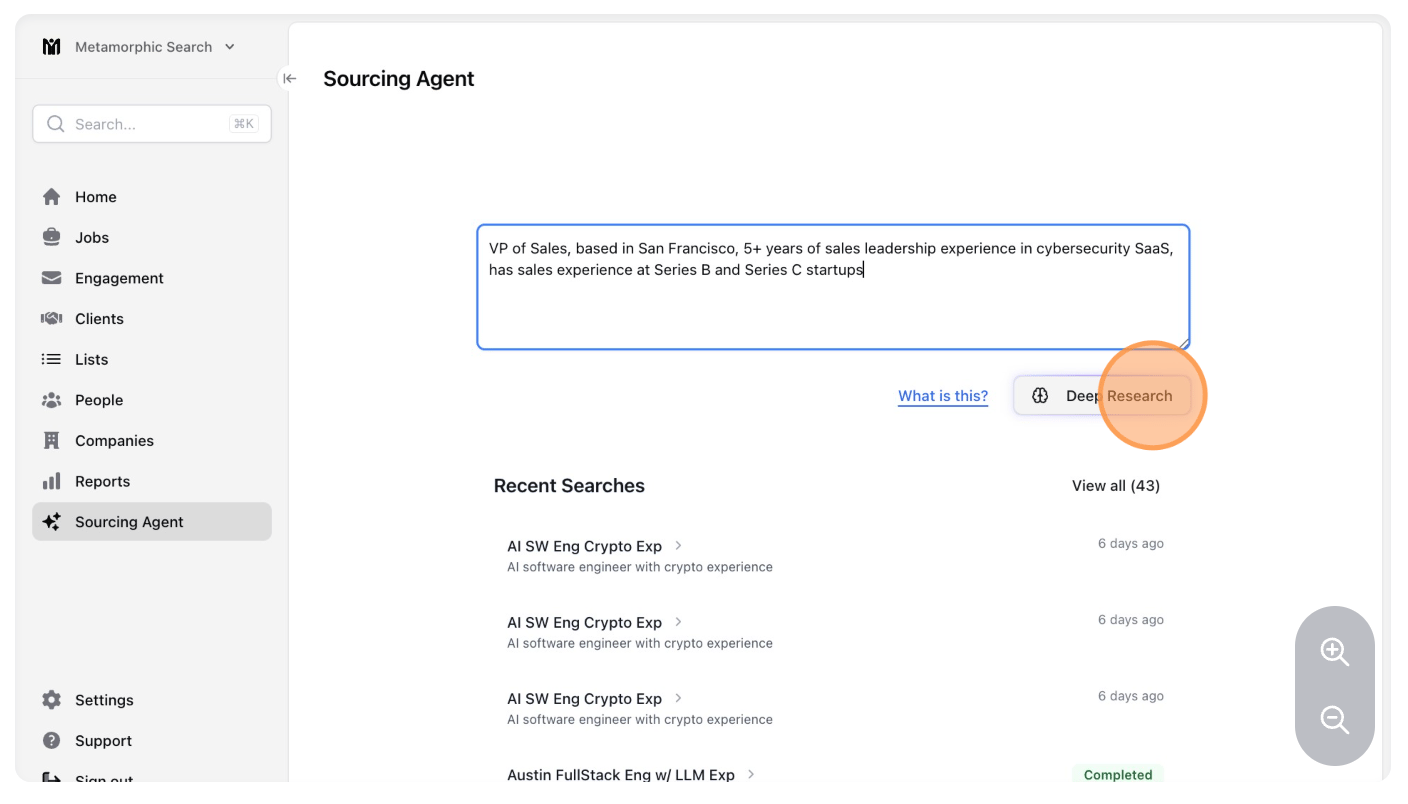
- Type in your search query! Be detailed and include criteria like location, titles, years of experience, funding stages seen, private equity backing, revenue / headcount details and more! When you’re done, click Deep Research. Pro tip: Target one city or region at a time for your location. This helps Stardex find people currently in those geographies! If you want multiple geographies, create another sourcing agent search.
- (Optional) Add in any example profiles or target companies that Stardex should specifically look at. This could lead to better fits.
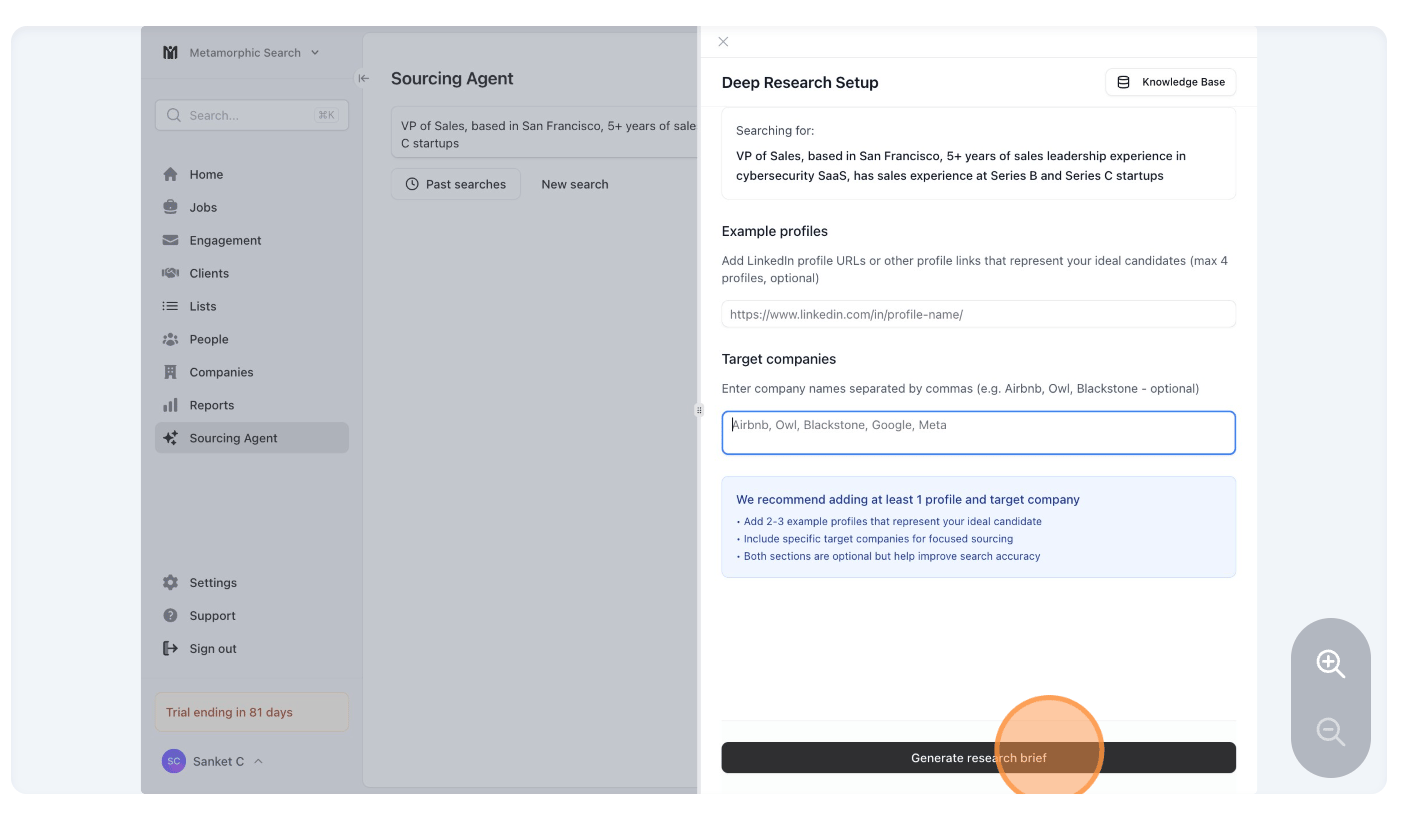
- Review and edit the deep research criteria as you’d like. Then, click “start deep research”!
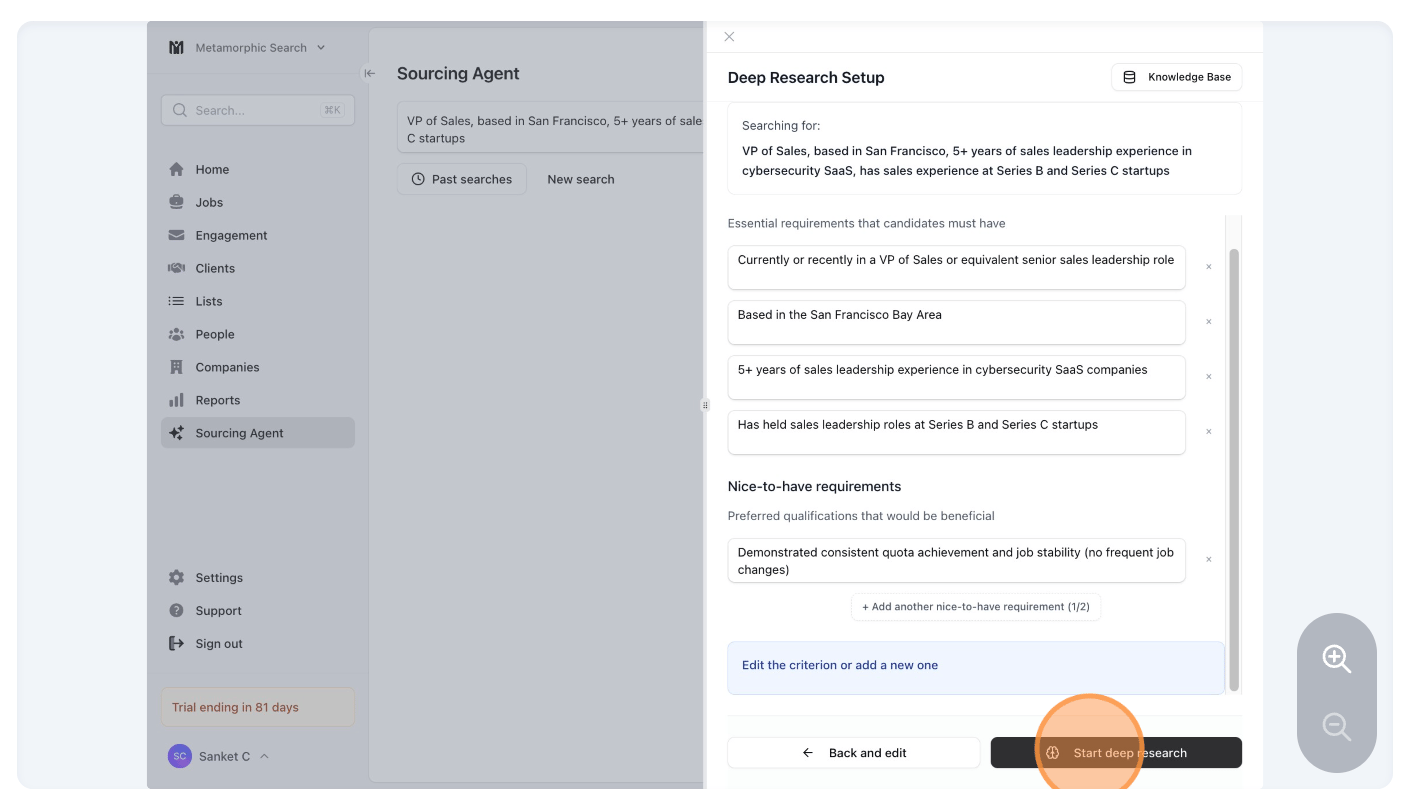
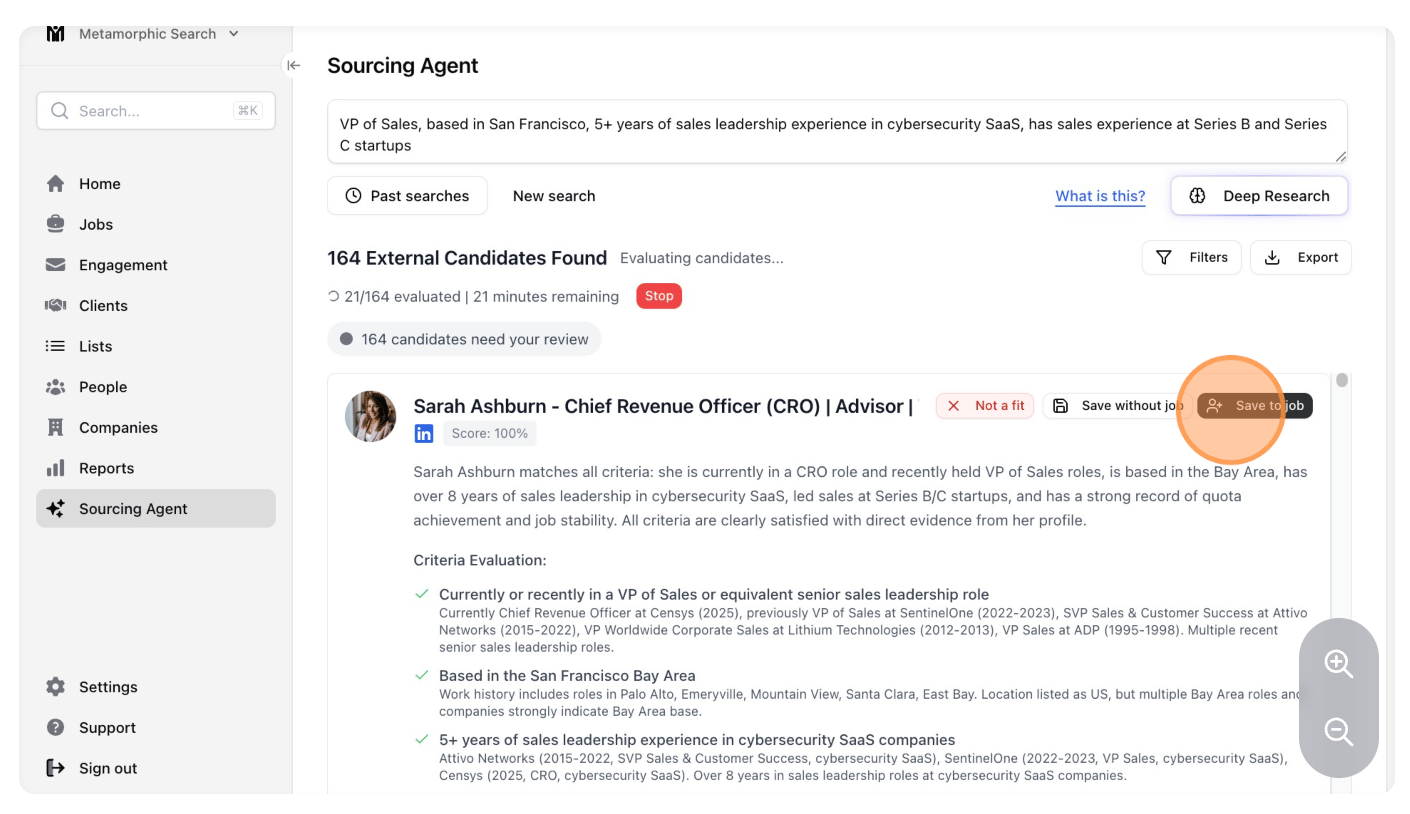
- Stardex will begin finding close fits and reviewing them based on your criteria! These profiles will show up as a ranked list under the ”# candidates need your review” tab.
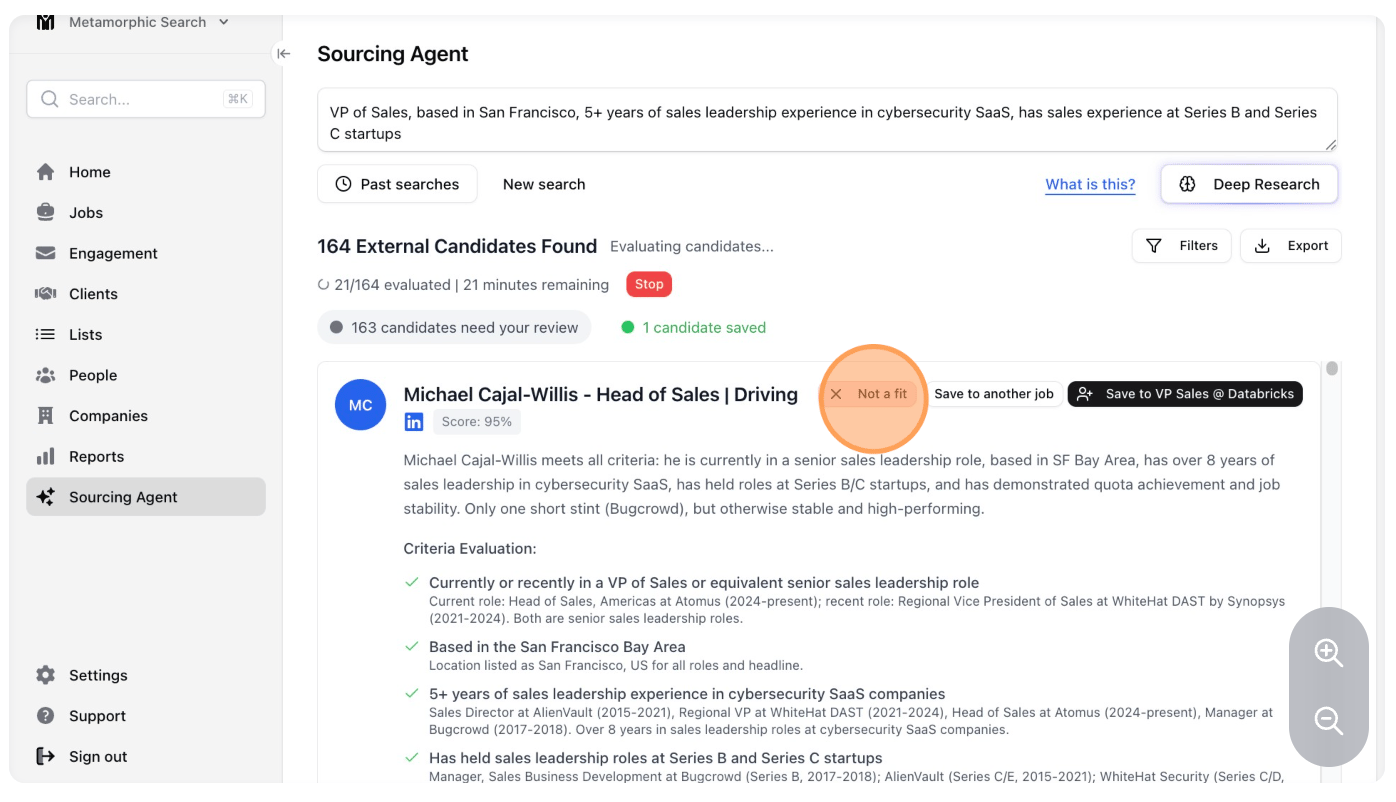
- If you didn’t like a candidate, you can mark them as “Not a fit”. This just moves them out of the review tab so you can focus on the next best candidates in the list.
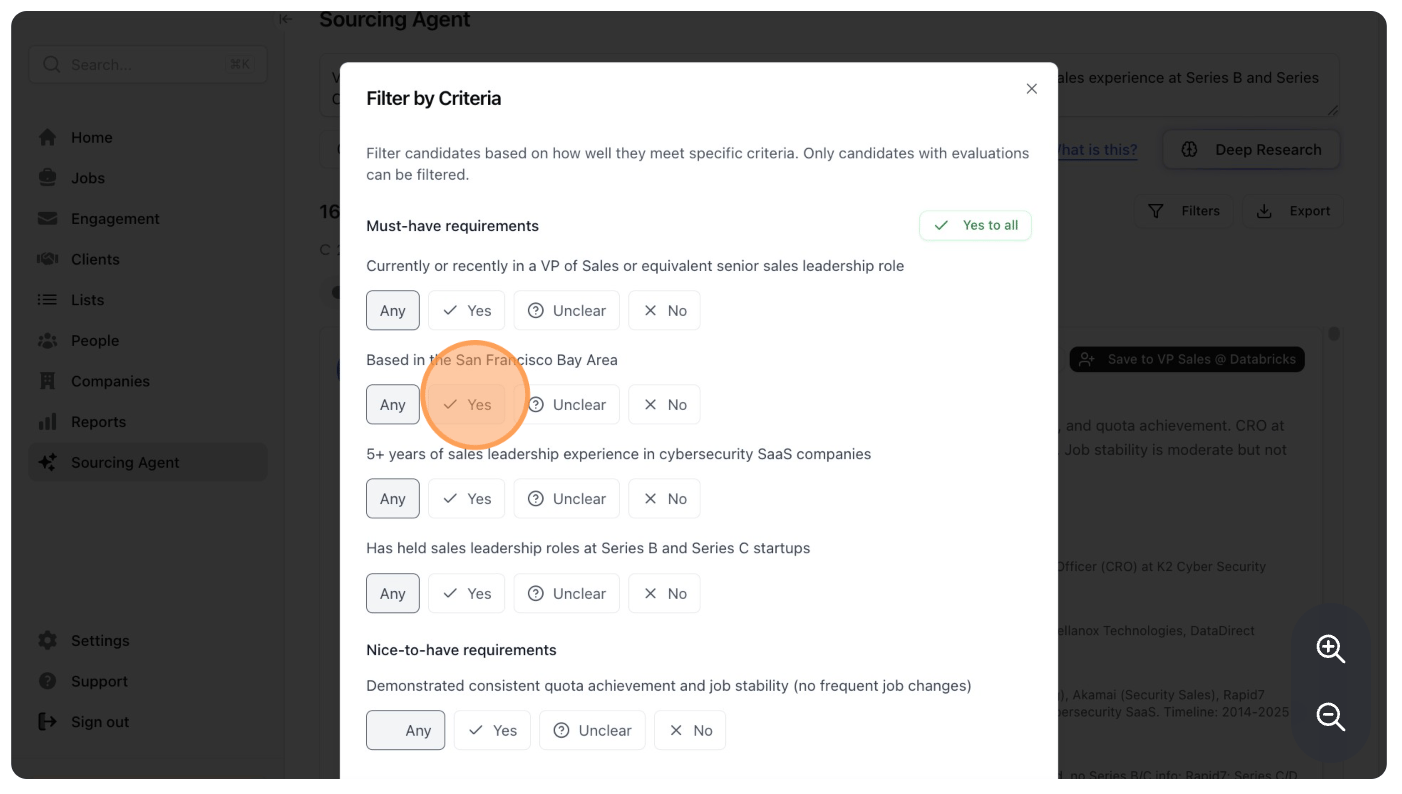
- If you only want to look at profiles that match specific criteria, you can do this by clicking on the Filters button.
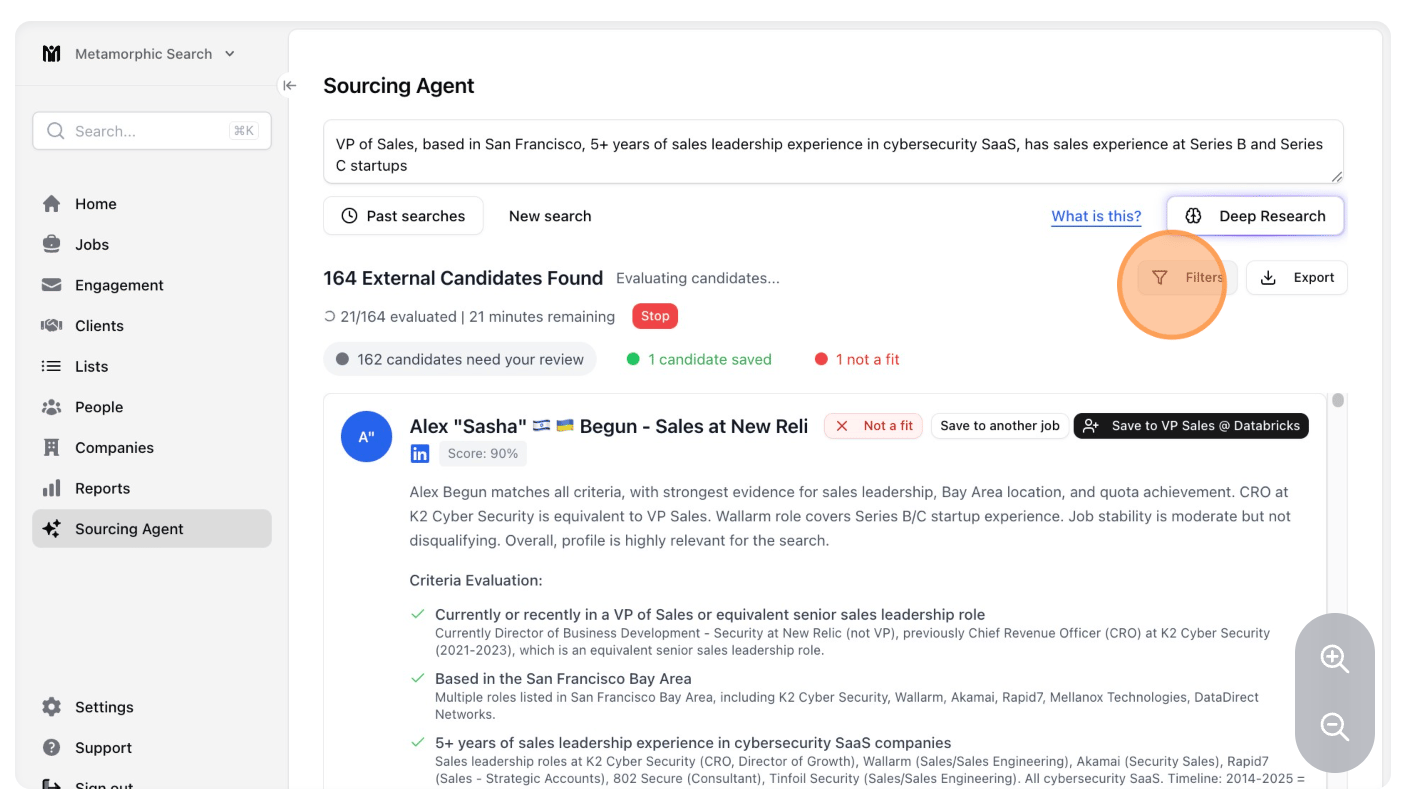
- Pick which of the criteria the candidate must meet, by clicking “Yes” on multiple criteria. Stardex will display just the candidates that meet those criteria in the “needs your review” list.