> ## Documentation Index
> Fetch the complete documentation index at: https://docs.stardex.com/llms.txt
> Use this file to discover all available pages before exploring further.
# RingCentral Transcripts
> Authorize RingCentral to sync call transcripts into Stardex candidate activities.
To enable automated transcripts from RingCentral to Stardex, go to **Settings → Email & other integrations → VoIP & messaging**: [https://stardex.com/settings?tab=email-calendar\§ion=voip](https://stardex.com/settings?tab=email-calendar\§ion=voip) and click **Authorize RingCentral**. The old URL `stardex.com/settings/integrations` is not redirected.
In order for Stardex to store RingCentral transcripts to a candidate’s profile, the following conditions must be met:
**⚠️ Only a RingCentral Super Admin should connect the RingCentral account to Stardex during the OAuth authorization process.**
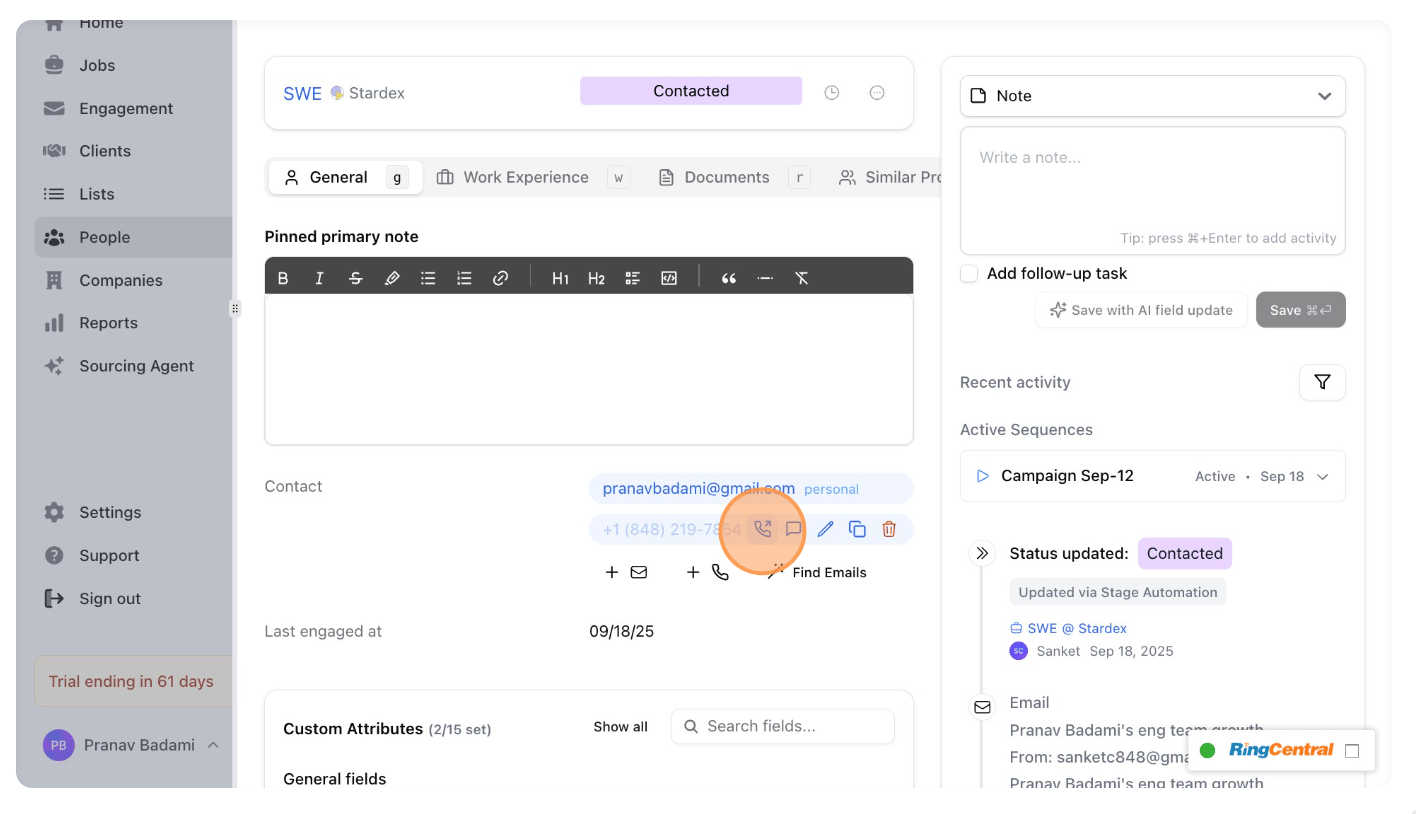
1. The phone number you are calling must exist in the candidate’s profile under the contact information section. See below.
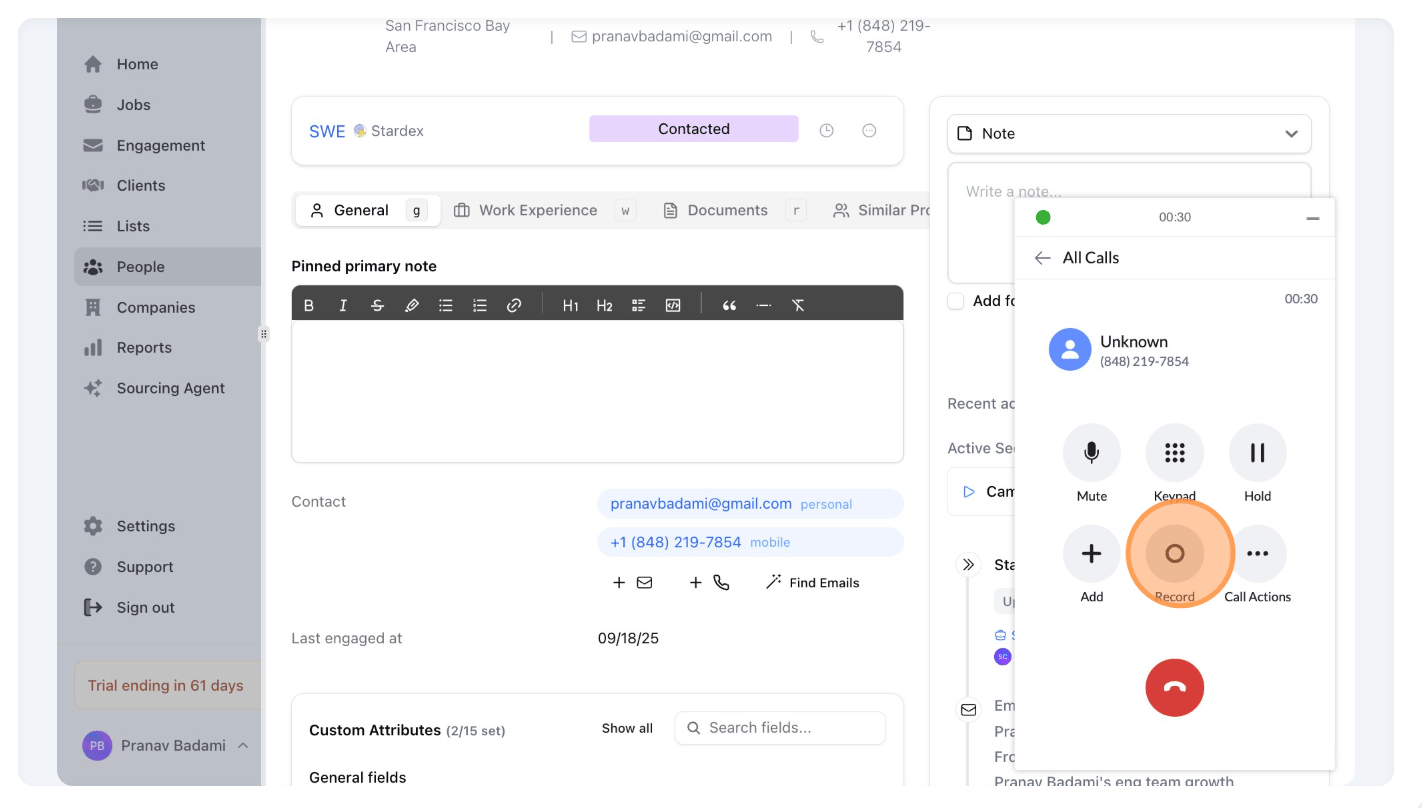
2. The call **must be recorded in RingCentral**. Your plan may or may not automatically record calls. If it does not, please press **Record** manually. See below. Only the **RingCentral Ultra** and **Advanced** plans allow automatic call recording.
If you are on an eligible plan for auto call recording, you can follow this RingCentral guide: [Turning on on-demand or automatic call recording](https://support.ringcentral.com/article-v2/Turning-on-on-demand-or-automatic-call-recording-.html?brand=RingCentral\&product=RingEX\&language=en_US\&pills-nav=automatic)
➡️ **Ensure to follow Step 10 in the guide**, where you need to enable recording for all the extensions.
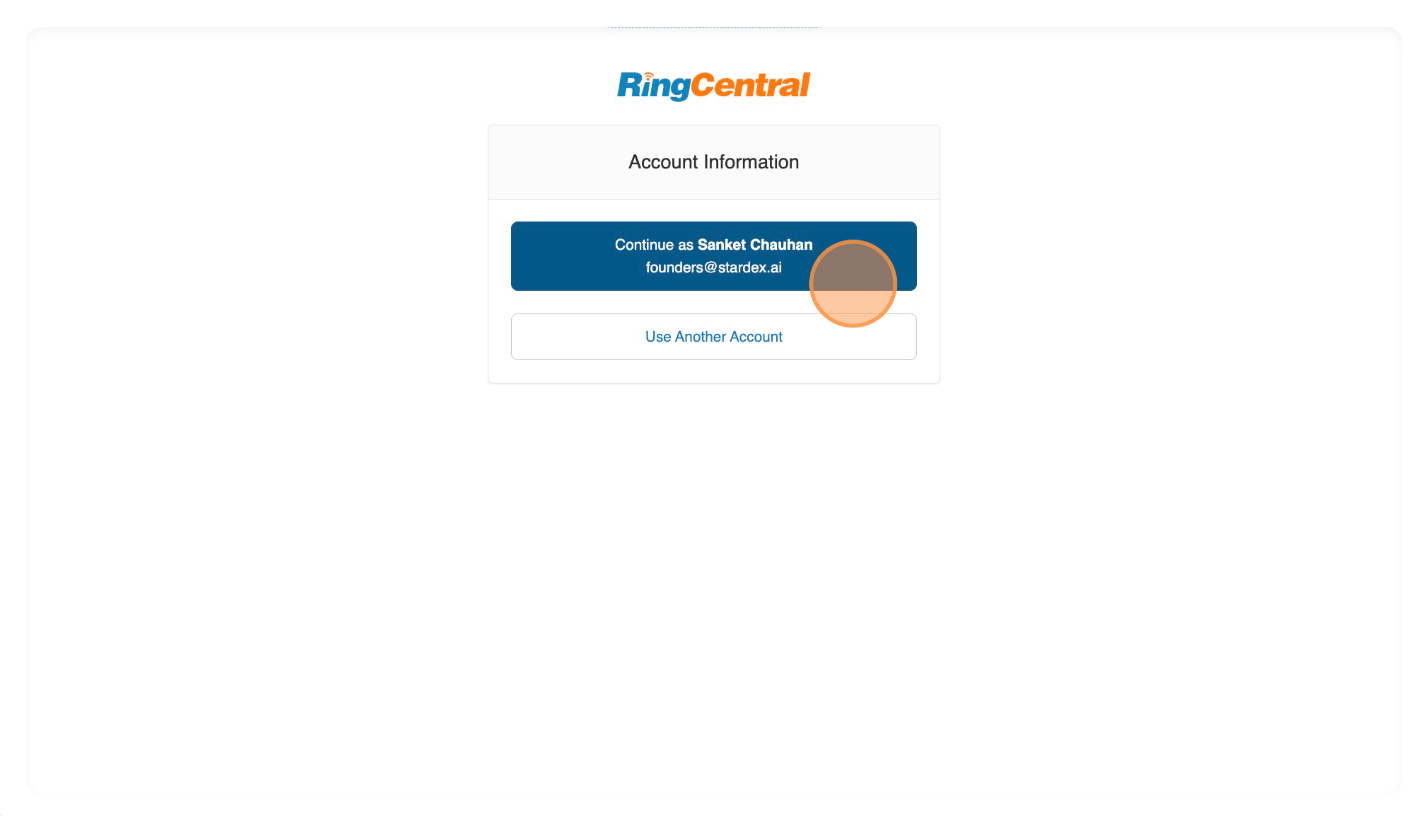
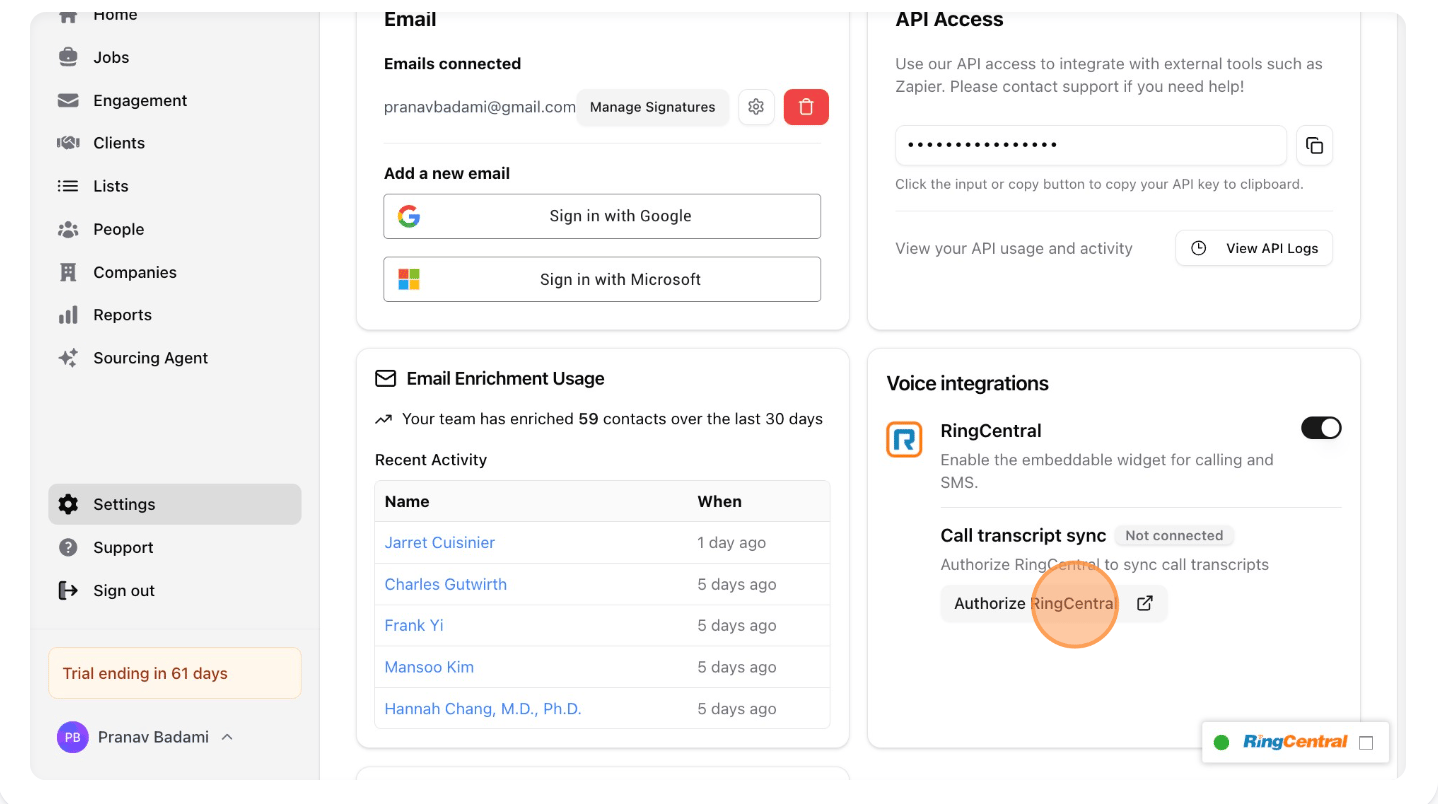 Then, continue through the whole RingCentral authorization flow to grant Stardex access to your account:
 To try it out, call someone on RingCentral. This can happen through Stardex, but anywhere you use RingCentral will work as long as the phone number you are calling is stored on a candidate profile in Stardex.
 While the call is ongoing, make sure that the “Record” button has been pressed so the call gets recorded.
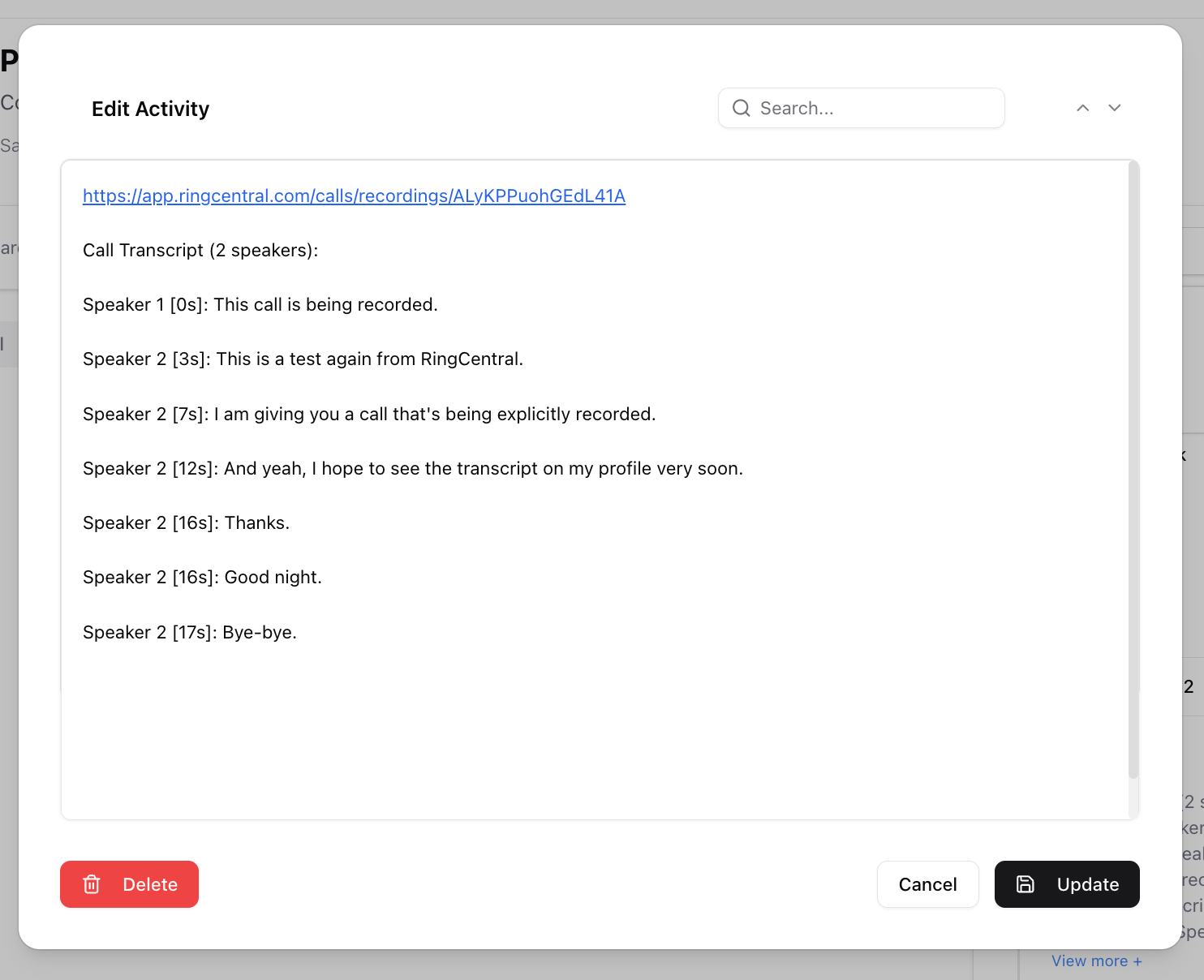
 A couple minutes after the call ends, you will see a note activity in the person’s activity timeline with the transcribed contents of the call, along with a link to the recording!
 This documentation is built and hosted on [Mintlify](https://mintlify.com), a developer documentation platform.